50% off your first 2 months — ends in00d00h00m00s
Photography · Academy8 min readUpdated 

Best AI Prompts for LinkedIn Headshots

Copy 10 ready-to-paste headshot prompts with pro camera language for realistic, hire-ready portraits across studio, outdoor, and clean-background looks.

Martin Balk
Martin Balk
Founder, Postcrest ·
4.8 · 38,000+ creators
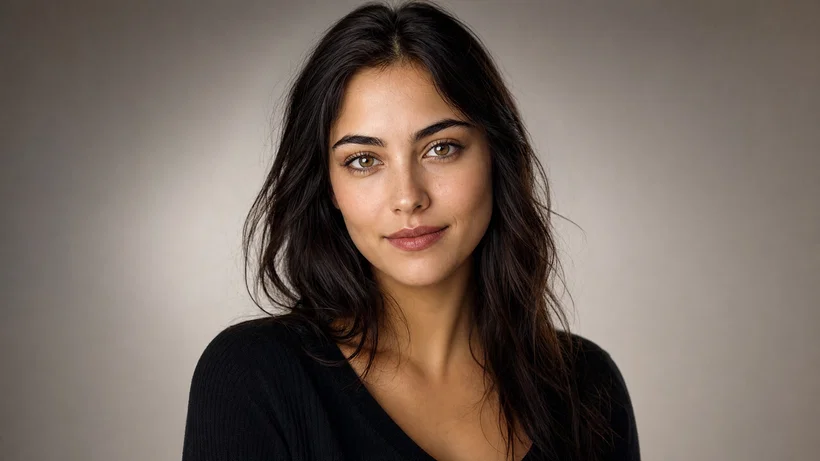
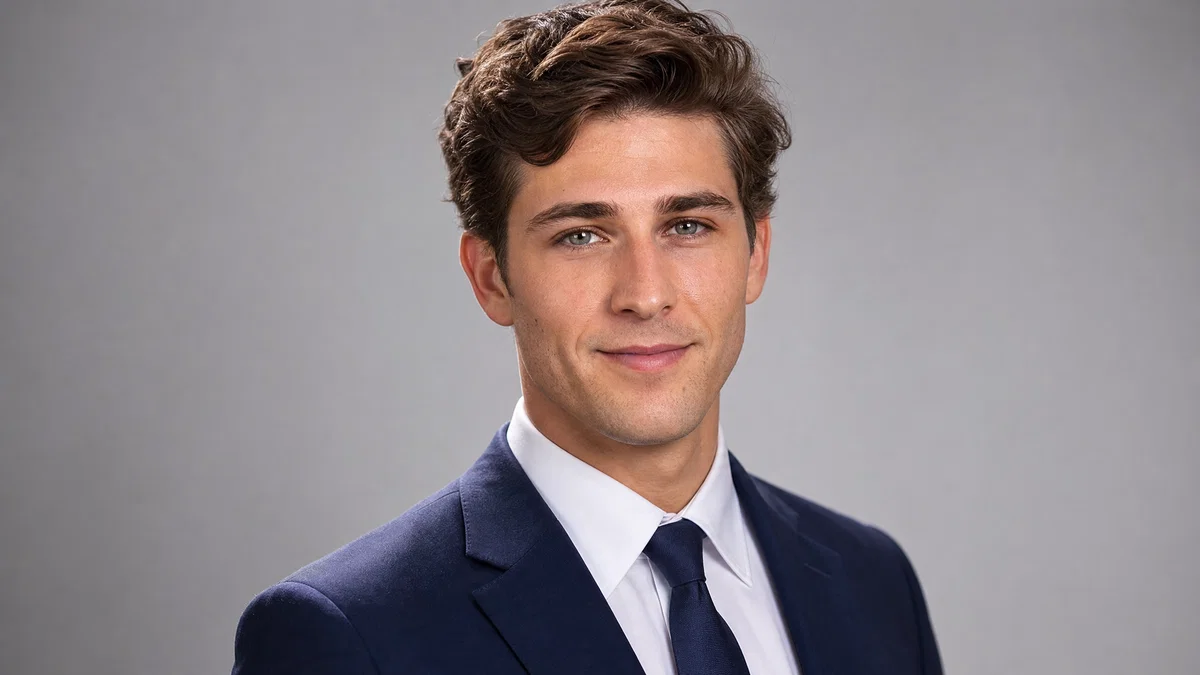
Realistic corporate LinkedIn headshot on light gray background with soft key and rim light.
10 ready-to-copy prompts
Generated with Postcrest · 1 prompt · 1 click
TL;DR
Key Takeaways
  • 01
    Write it like a real shoot Lead with shot type, 85mm, f/2.8, then subject, then light direction, then background, then a restrained color grade.
  • 02
    Lock lighting and background explicitly A soft key plus rim light and a clean seamless or tasteful bokeh background prevents the “AI portrait” look and reads like a corporate headshot.
  • 03
    Specify grooming, wardrobe, and realism cues Add blazer and shirt, natural skin texture, catchlights, and subtle micro-contrast to get a LinkedIn profile photo that passes as a professional photo.

AI prompts for LinkedIn headshots that look photographed

AI prompts for LinkedIn headshots are short, camera-first instructions that describe a believable corporate headshot using real production language: shot type, 85mm focal length, f/2.8 depth of field, light direction, background, and a clean color grade. Modern image models learned portrait realism from huge libraries of captioned headshots where the captions name details like “soft key,” “rim light,” “seamless paper,” and “catchlights,” so prompts that mirror that vocabulary trigger the right lighting and skin texture. The same structure works whether you want a studio corporate headshot, an outdoor LinkedIn profile photo, or a neutral background portrait.

Below are 10 ready-to-paste AI headshot generator prompts, each written like a working brief with consistent 85mm optics, soft key plus rim light, blazer-and-shirt wardrobe, and clean backgrounds. Use them for studio gray and white sweeps, warm office neutrals, outdoor corporate locations, and multiple ages and skin tones so your results read inclusive and realistic. Copy any prompt, paste it into Postcrest’s image generator, then iterate by swapping only the background color, wardrobe color, or grade while keeping lens and lighting locked.

Try it in Postcrest

Generate a LinkedIn-ready headshot fast

Render multiple headshot variations quickly and export crisp 4K images for profiles, press kits, and teams. Keep one consistent look across every update.

No watermarksCommercial licenseCancel anytime
Image Generator
Postcrest
Prompt
Ultra-wide alpine peaks at golden hour, 16mm, f/11, Velvia 50
Generate
4K3:2
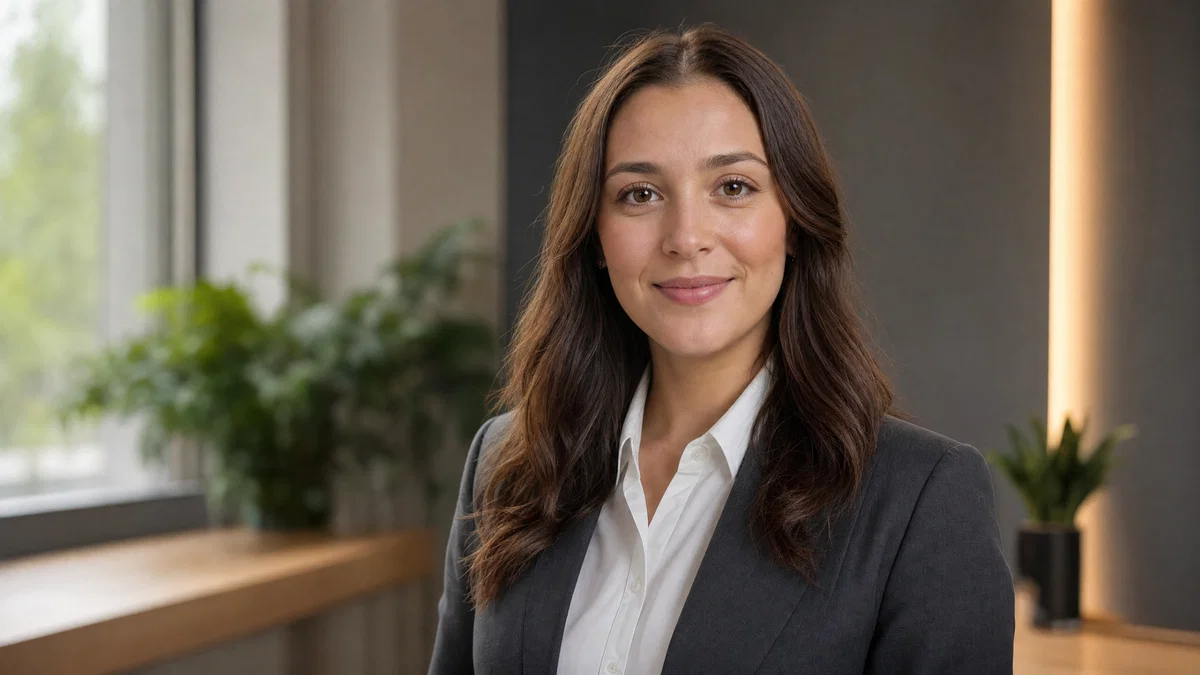
Corporate headshot in modern office with soft window key and rim light, blurred background.
Generated · 4K
10 prompts

The prompt library

Every prompt below has been generated, graded and verified inside Postcrest. Copy the text, hit Generate, and the same look ships from your account.

Prompt 01 of 10

Neutral gray studio

Portra · clean corporate
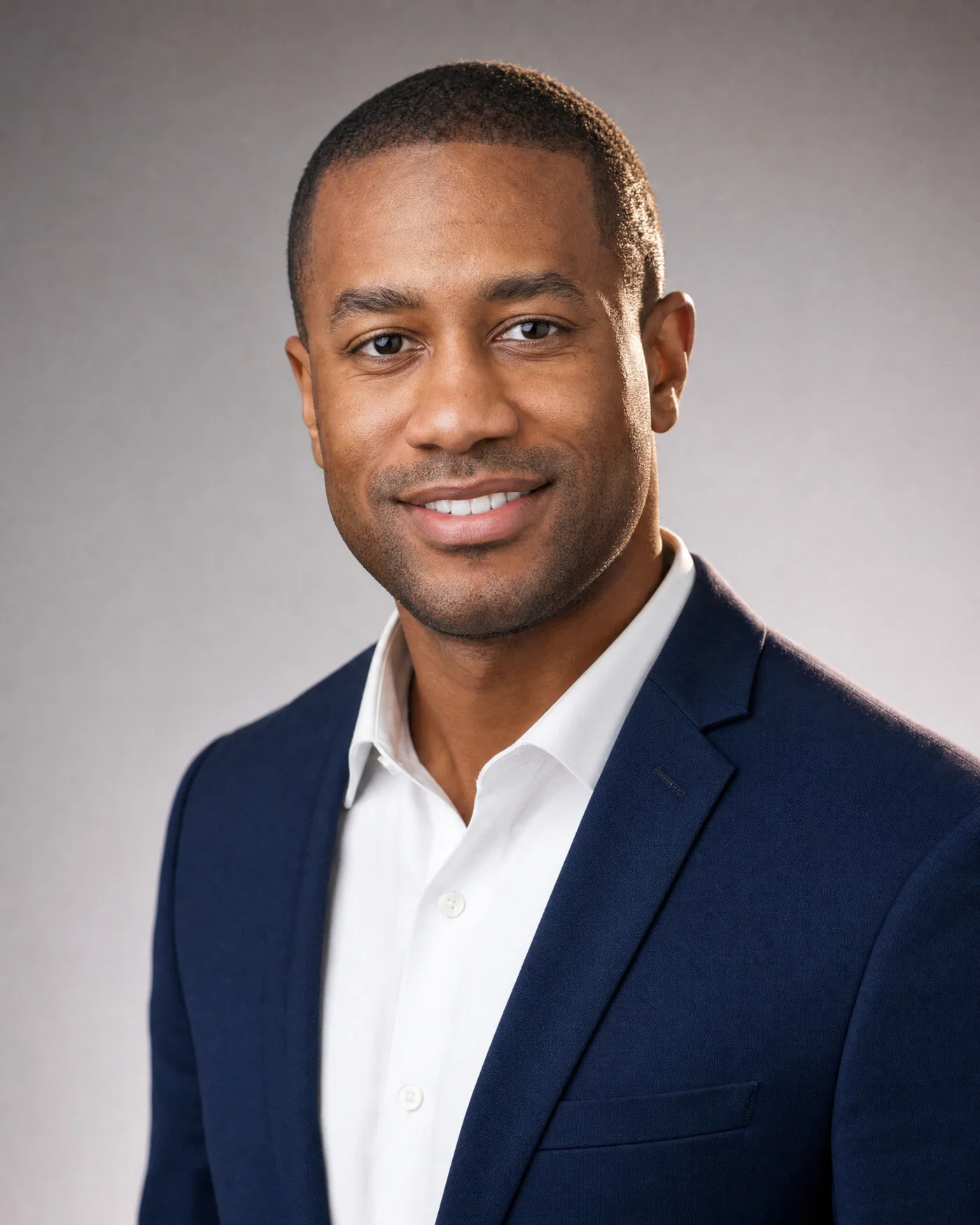
Black man in navy blazer on neutral gray seamless, soft key and rim light.
01·Portra · clean corporate
View photo
85mmf/2.8soft key + rimneutral gray seamless
Prompt
Studio head-and-shoulders corporate headshot, 85mm lens, f/2.8, mid-30s Black man with close-cropped hair, navy blazer and white dress shirt, relaxed confident smile, soft key light from camera-left plus gentle rim light on camera-right shoulder, clean neutral-gray seamless paper background, 35mm *Portra 400* look, natural skin texture, neutral corporate grade with soft contrast
Why it works

This prompt leads with real portrait-making constraints, so the model commits to the perspective and depth of field that reads like a true corporate headshot. Calling out key plus rim light and a gray seamless controls edge separation and avoids muddy backgrounds, while “natural skin texture” pushes away plastic smoothing.
Prompt 02 of 10

Warm beige sweep

Digital · executive polish
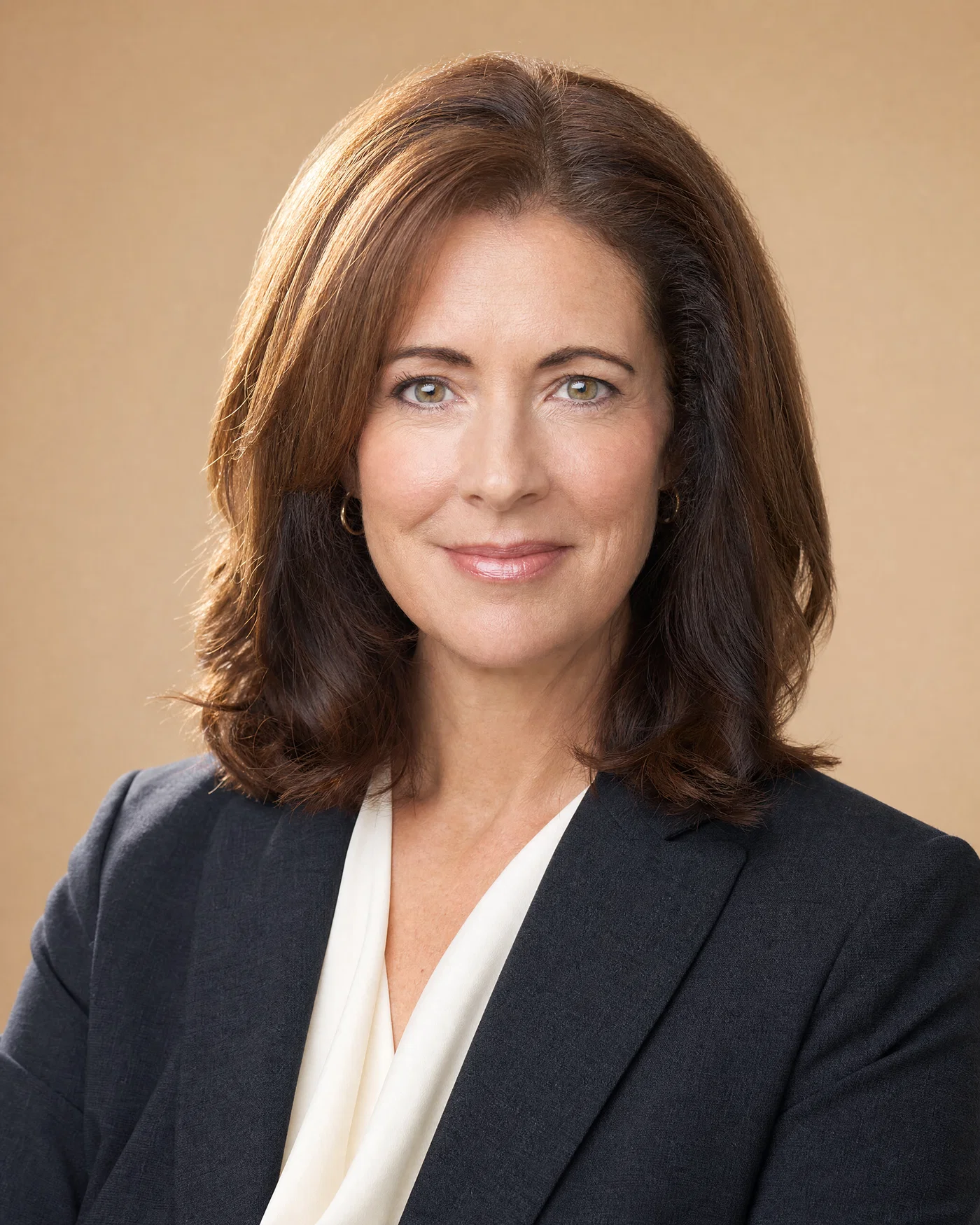
Woman in charcoal blazer on warm beige background with soft key and rim light.
02·Digital · executive polish
View photo
85mmf/2.8warm beige seamlesscatchlights
Prompt
Studio head-and-shoulders LinkedIn profile photo, 85mm lens, f/2.8, late-40s white woman with shoulder-length brown hair, charcoal blazer and ivory blouse, calm approachable expression, soft key light from camera-right plus subtle rim light outlining hair on camera-left, clean warm-beige seamless background, full-frame digital realism, crisp catchlights, light retouching only, clean neutral-warm grade
Why it works

The beige seamless plus restrained warm grade produces a friendly executive look without turning skin orange. “Light retouching only” and “crisp catchlights” guide the model toward believable pores and eyes, two details that often break realism in AI headshots.

Prompt 03 of 10

Slate blue backdrop

Ektar · modern clean
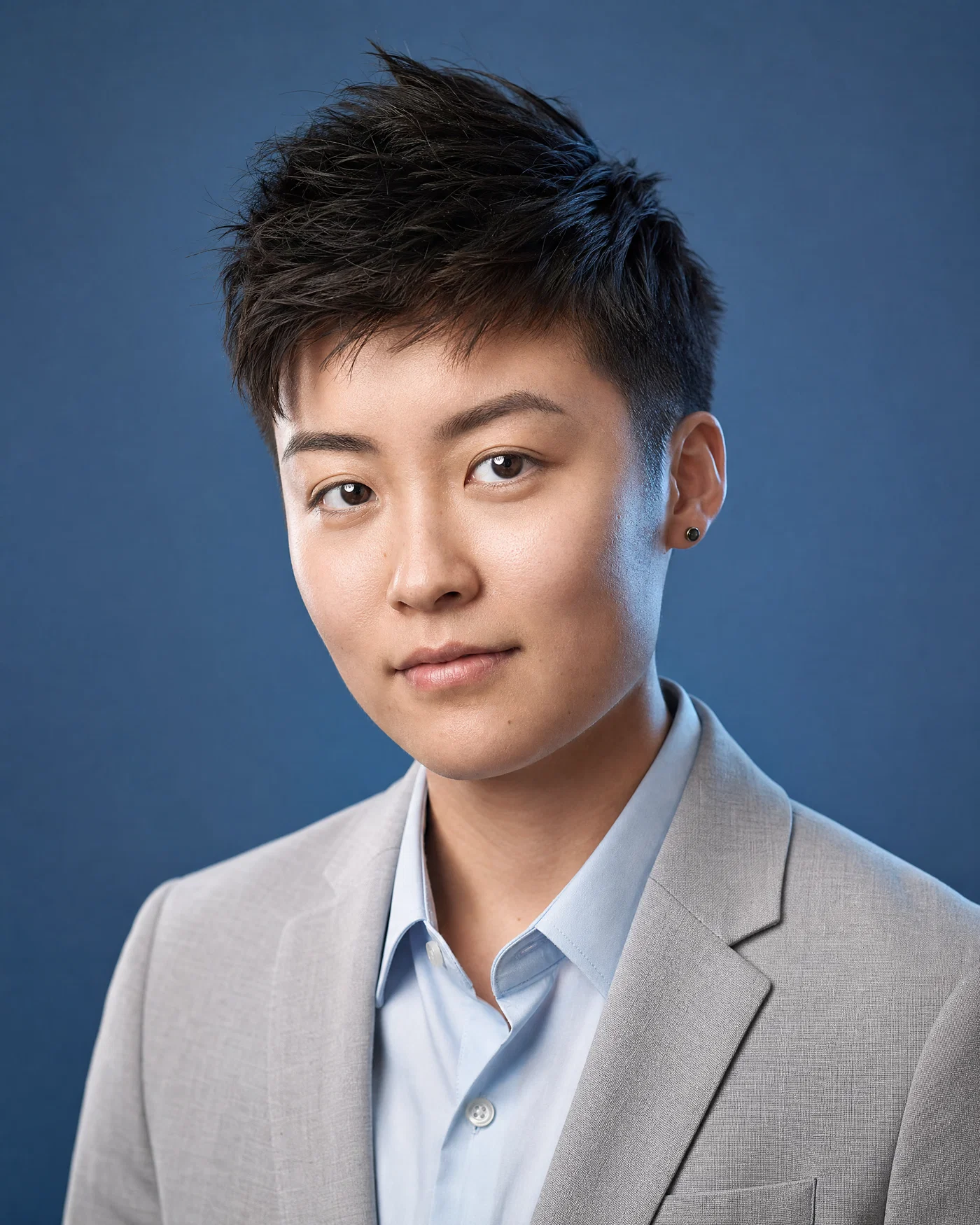
East Asian professional on slate-blue seamless with soft key and rim light separation.
03·Ektar · modern clean
View photo
85mmf/2.8slate-blue seamlessrim edge
Prompt
Studio head-and-shoulders corporate headshot, 85mm lens, f/2.8, mid-20s East Asian nonbinary professional with short textured hair, light-gray blazer and pale-blue shirt, direct friendly gaze, soft key light from camera-left plus controlled rim light along camera-right cheek and shoulder, clean slate-blue seamless background, 35mm *Ektar 100* color response, natural skin detail, cool-neutral grade with gentle contrast
Why it works

A slate-blue background adds personality while staying LinkedIn-appropriate, and the rim edge callout prevents the hair and blazer from blending into the backdrop. Naming a film response like *Ektar 100* gives the model a concrete color palette: clean blues, controlled saturation, and crisp detail.

Prompt 04 of 10

Outdoor office plaza

Portra · natural corporate
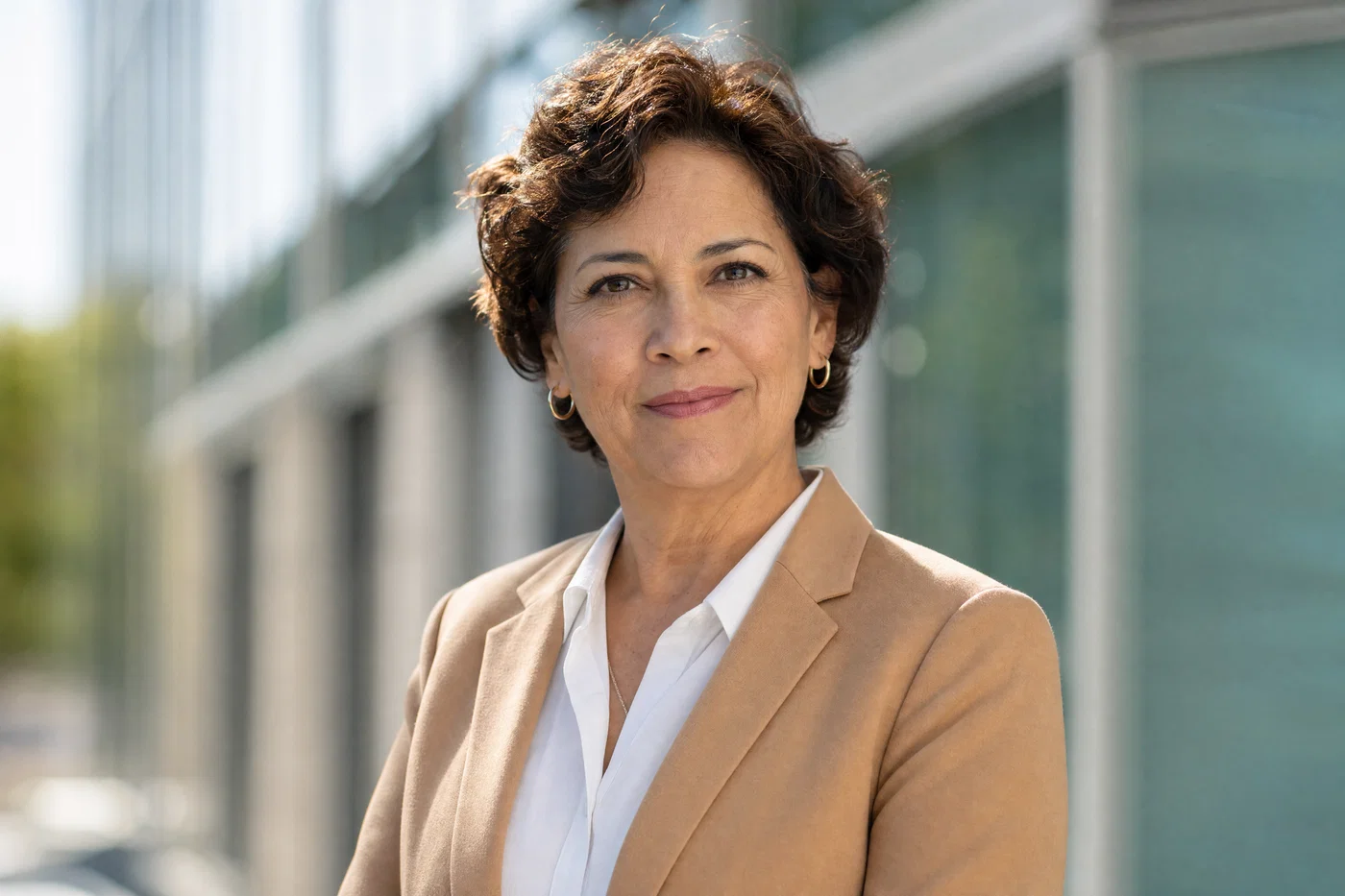
Latina executive headshot outdoors with office building bokeh, soft key and rim sunlight.
04·Portra · natural corporate
View photo
85mmf/2.8softbox keydaylight rim
Prompt
Outdoor head-and-shoulders corporate headshot, 85mm lens, f/2.8, early-50s Latina woman with short curly hair, tan blazer and white shirt, confident approachable expression, soft key light from a small off-camera softbox plus gentle rim light from backlit sun edge, background is modern glass office building bokeh with clean lines, full-frame digital realism, natural skin texture, neutral daylight grade with soft highlights
Why it works

Specifying the key as a softbox and the rim as sun edge tells the model exactly how to make outdoor light look controlled, not random. Keeping the background as “office building bokeh with clean lines” supports a professional LinkedIn profile photo without distracting clutter.

Prompt 05 of 10

High-key white

Digital · clean studio
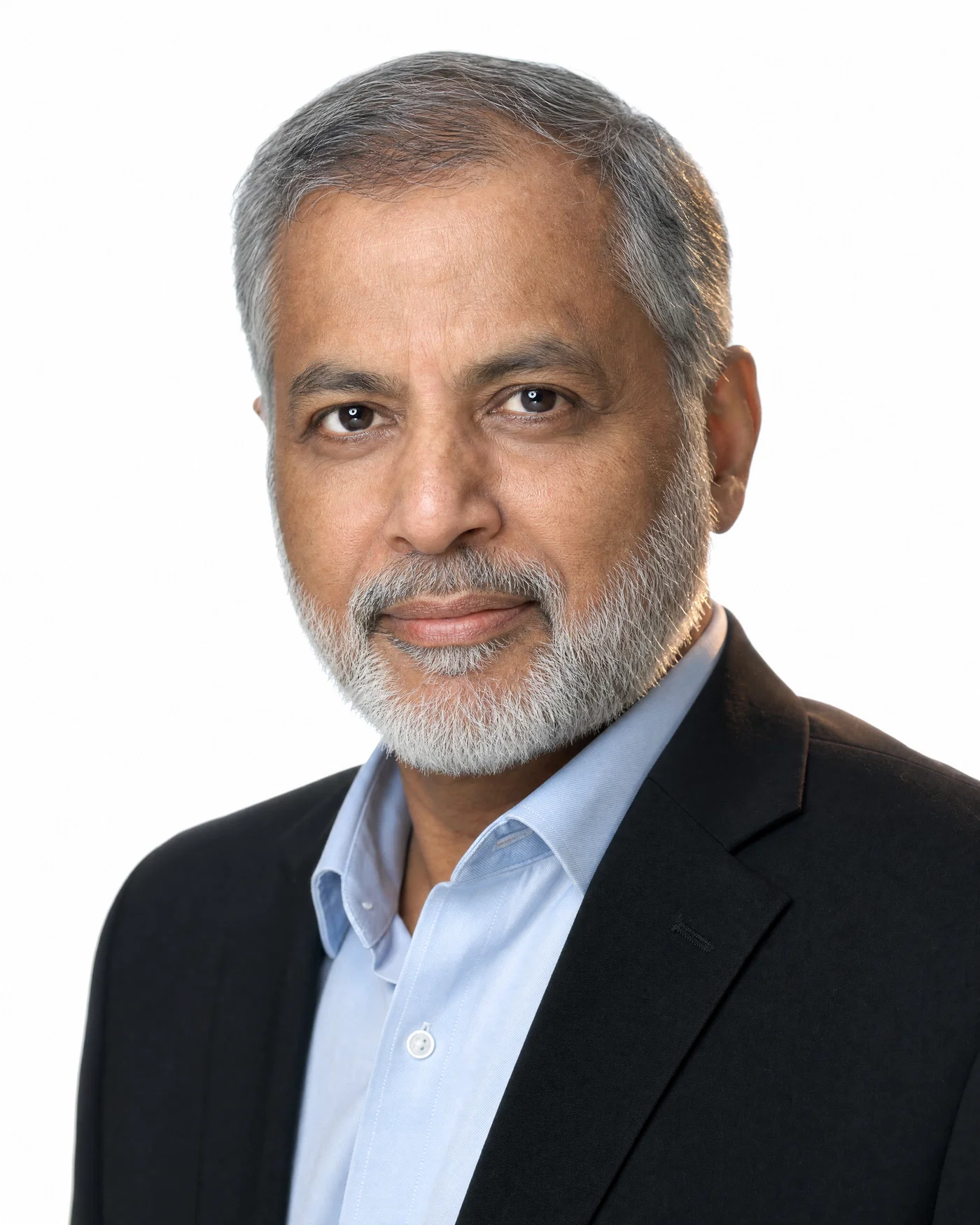
South Asian man on high-key white seamless with rim separation and crisp catchlights.
05·Digital · clean studio
View photo
85mmf/2.8high-key whiteminimal retouching
Prompt
Studio head-and-shoulders LinkedIn headshot, 85mm lens, f/2.8, early-60s South Asian man with salt-and-pepper hair and neatly trimmed beard, black blazer and light-blue dress shirt, composed expression, soft key light from camera-left plus rim light outlining the right shoulder and hair, pure high-key white seamless background, full-frame digital realism, sharp eyes with catchlights, minimal retouching, bright neutral grade
Why it works

High-key white can look fake if edges get lost, so the rim light instruction is critical for separation and a crisp outline. “Minimal retouching” and “sharp eyes with catchlights” keep it looking like a professional photo, not a plastic render.

Prompt 06 of 10

Textured gray paper

Gold · understated
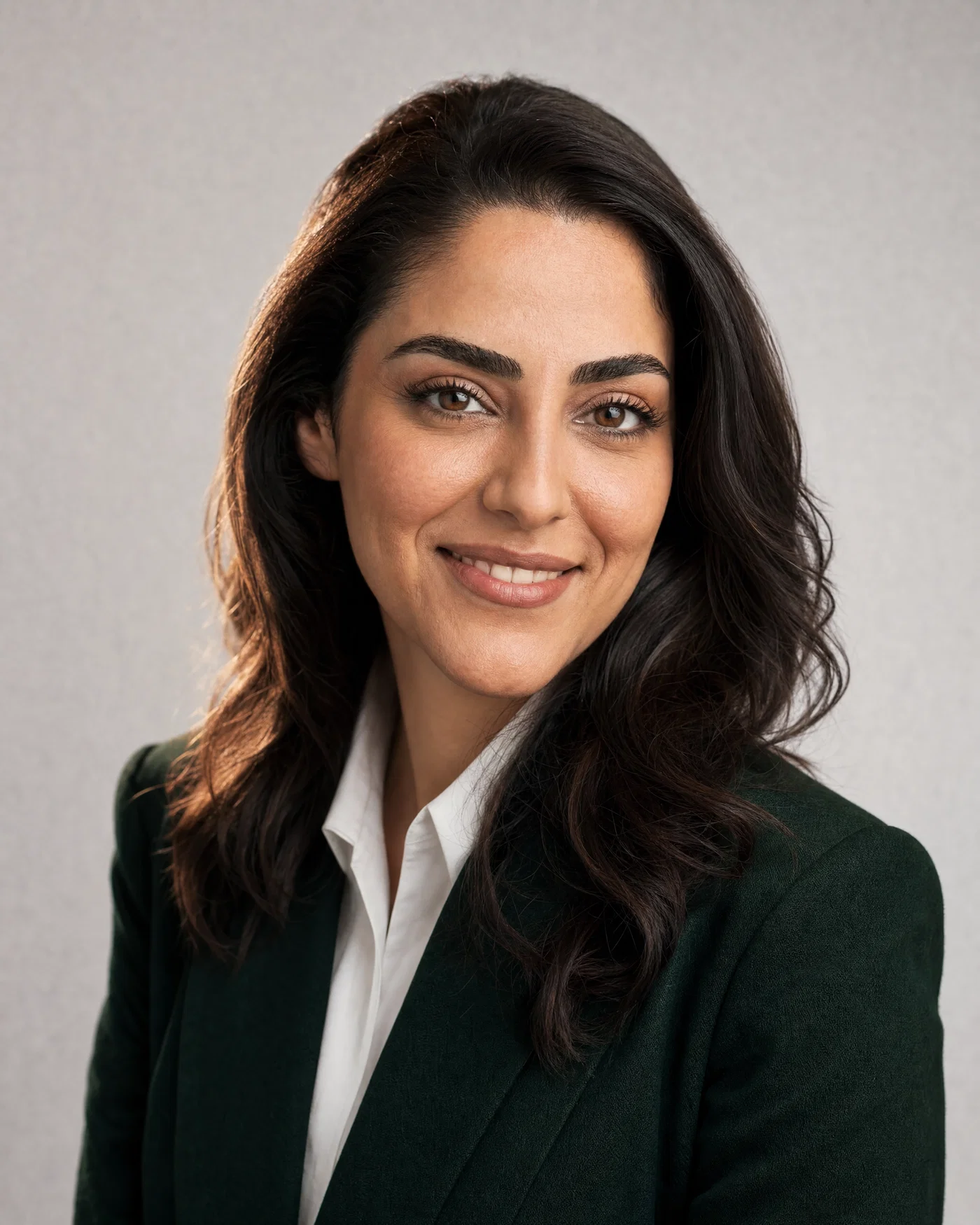
Middle Eastern woman in dark green blazer on lightly textured gray paper background.
06·Gold · understated
View photo
85mmf/2.8textured gray paperGold 200 warmth
Prompt
Studio head-and-shoulders corporate headshot, 85mm lens, f/2.8, mid-30s Middle Eastern woman wearing a dark green blazer and white shirt, natural makeup, warm confident smile, soft key light from camera-right plus subtle rim light on camera-left hairline, light textured gray paper background (not mottled), 35mm *Kodak Gold 200* warmth, visible skin texture, soft highlight rolloff, warm-neutral grade
Why it works

Calling the background “textured gray paper (not mottled)” prevents the messy AI backdrop problem while still adding a touch of realism. The warm-neutral grade and gentle highlight rolloff mimic flattering studio retouching without over-smoothing.

Prompt 07 of 10

Office interior bokeh

Digital · approachable
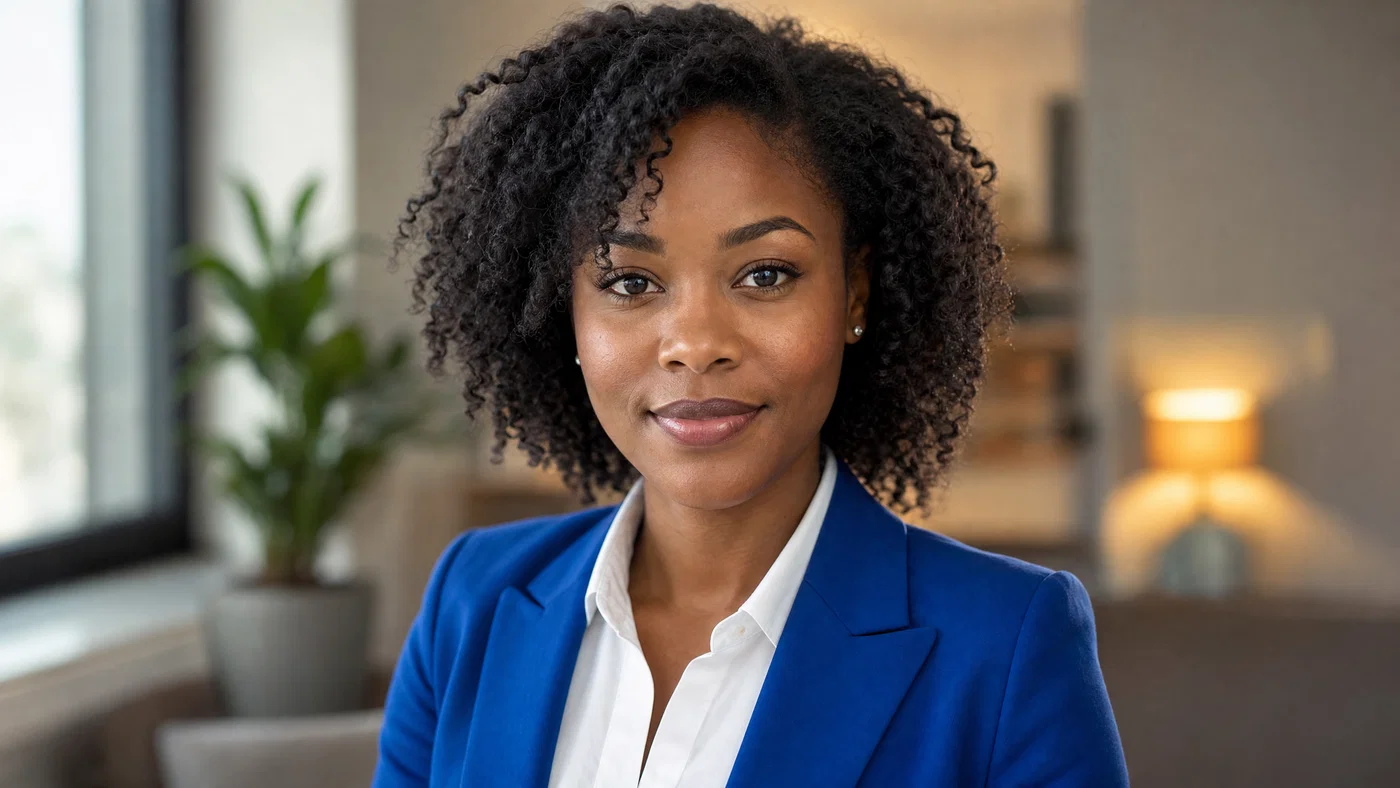
Black woman in cobalt blazer in softly blurred office interior, window key and rim light.
07·Digital · approachable
View photo
85mmf/2.8window keyoffice bokeh
Prompt
Indoor head-and-shoulders LinkedIn profile photo, 85mm lens, f/2.8, late-20s Black woman with natural curls, cobalt blazer and white shirt, friendly direct gaze, soft key light from window camera-left plus subtle rim light from a small strip light camera-right, background is softly blurred neutral office interior with warm practicals, full-frame digital realism, natural skin detail, neutral grade with slightly warm highlights
Why it works

Window key plus a controlled strip rim produces a believable office portrait while keeping the subject separated from the background. The “neutral office interior” constraint reduces random props and makes the result read as a professional LinkedIn headshot, not a lifestyle scene.

Prompt 08 of 10

Cool white seamless

Ektar · crisp detail
Bearded man in gray blazer on cool-white seamless with crisp rim along jawline.
08·Ektar · crisp detail
View photo
85mmf/2.8cool-white seamlessjawline rim
Prompt
Studio head-and-shoulders corporate headshot, 85mm lens, f/2.8, early-40s white man with short hair and neatly groomed beard, mid-gray blazer and light-blue shirt, neutral confident expression, soft key light from camera-left plus rim light tracing camera-right jawline, clean cool-white seamless background, 35mm *Ektar 100* crispness, sharp eyelashes, natural pores, cool-neutral grade with controlled saturation
Why it works

Cool-white backgrounds can push skin toward gray, so the prompt balances it with “controlled saturation” and a cool-neutral grade. The jawline rim note shapes the face and keeps the subject from blending into a bright background, which is a common failure in AI headshots.

Prompt 09 of 10

Senior leader slate

Portra · timeless
Older East Asian man on slate seamless background with soft key and rim light.
09·Portra · timeless
View photo
85mmf/2.8slate seamlessrealistic skin texture
Prompt
Studio head-and-shoulders corporate headshot, 85mm lens, f/2.8, early-70s East Asian man with silver hair, navy blazer and white shirt, composed warm expression, soft key light from camera-right plus subtle rim light on camera-left shoulder, clean medium-slate seamless background, 35mm *Portra 400* natural color, realistic wrinkles and skin texture, gentle contrast, neutral corporate grade
Why it works

Including age realism cues like “realistic wrinkles” keeps the model from over-smoothing, which is essential for an authentic professional photo. The slate background and neutral grade create authority without harsh contrast, a reliable corporate headshot look for LinkedIn profile photos.

Prompt 10 of 10

Parkside corporate

Digital · outdoor clean
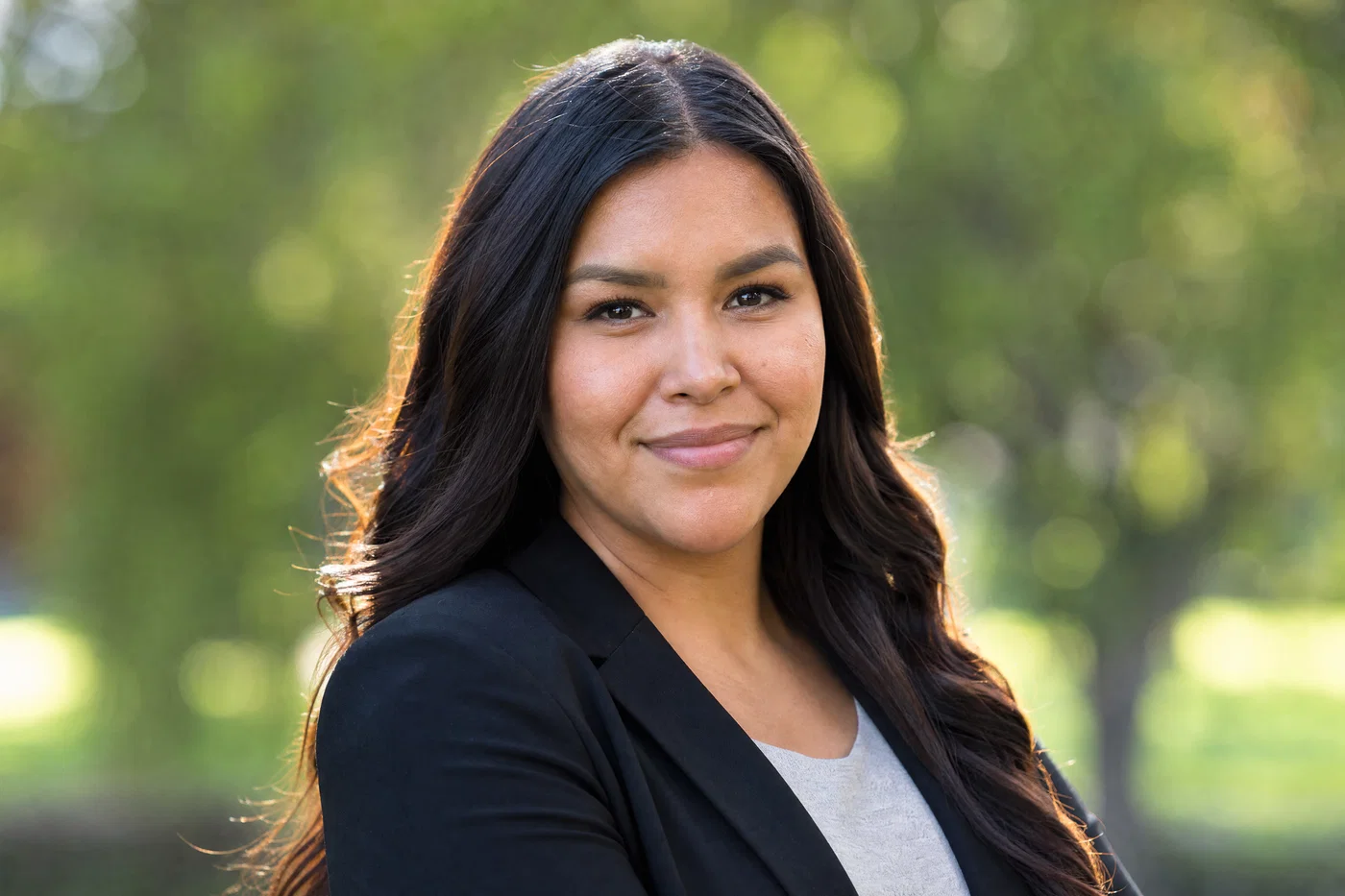
Indigenous woman in black blazer outdoors with softbox key, sun rim, and clean park bokeh.
10·Digital · outdoor clean
View photo
85mmf/2.8portable softboxgreen park bokeh
Prompt
Outdoor head-and-shoulders LinkedIn headshot, 85mm lens, f/2.8, early-30s Indigenous woman with long dark hair, black blazer and light-gray shirt, confident friendly expression, soft key light from a portable softbox camera-right plus subtle rim light from back sun on camera-left hair, background is clean green park bokeh with no crowds, full-frame digital realism, natural skin texture, neutral grade with gentle greens
Why it works

This prompt forces a controlled outdoor setup: softbox key plus sun rim, clean bokeh, and “no crowds,” which keeps the image corporate rather than lifestyle. “Neutral grade with gentle greens” prevents neon foliage and keeps skin tones believable.

Turn prompts into a believable corporate headshot

A realistic LinkedIn profile photo comes from constraints, not long prompts: lock the shot (head-and-shoulders), lock the optics (85mm, f/2.8), lock the light (soft key plus rim), then state wardrobe, background, and a restrained grade. That structure gives modern image models the same signals they learned from real corporate headshot captions.

Treat the prompts above as templates. Swap only one variable at a time: change gray to beige, move from seamless paper to office bokeh, or warm the grade slightly for a friendlier look. If you want more workflow help beyond headshots, explore Photo AI and browse headshot tool comparisons: Comparison A, Comparison B, Comparison C.

When you are ready to generate options fast, keep a consistent look, and export a professional photo with a full commercial license, Open Postcrest and get 50% off your first 2 months.

Bonus · Image to video

Bring headshots to life as video

Any still you generate from these prompts can become a short motion clip using Postcrest, while preserving the original lens, lighting, and color grade.

Generated from prompt aboveImage to video in Postcrest
Animated from: Office interior bokeh
Digital · approachable
Video prompt
Slow dolly-in while keeping the 85mm framing, background practical lights gently flicker and blur stays consistent, subject blinks and makes a tiny smile change, preserve the window key, strip rim light, and neutral-warm grade, one continuous shot, no text, no watermarks, no logos, no overlays, no captions
Why it works as motion

A dolly-in works well here because the blurred office background gains subtle depth without pulling focus from the face. Gentle practical flicker is realistic for indoor lighting and adds life while the portrait lighting stays consistent.

50% off first 2 months

Generate every prompt above in Postcrest

Copy-paste any prompt, or hit generate and get a 4K render in seconds. 50% off your first 2 months — join 38,000+ creators.

Claim 50% off
Cheat sheet

LinkedIn headshot prompt cheat-sheet

Reference these dimensions in any prompt for repeatable results across shoots and projects.

Use caseBackground cueWardrobe cueLighting recipeFinish (grade)
Classic corporateNeutral-gray seamlessNavy blazer, white shirtSoft key camera-left, rim camera-rightNeutral, soft contrast
Executive warmthWarm-beige seamlessCharcoal blazer, ivory blouseSoft key camera-right, rim hairlineNeutral-warm, clean skin
Modern techSlate-blue seamlessLight-gray blazer, pale-blue shirtSoft key left, rim cheek/shoulderCool-neutral, gentle contrast
Outdoor corporateOffice plaza bokehTan blazer, white shirtSoftbox key, sun edge rimNeutral daylight, soft highlights
AuthorityMedium-slate seamlessNavy blazer, white shirtSoft key right, rim leftNeutral corporate, gentle contrast
Approachable officeNeutral office bokehCobalt blazer, white shirtWindow key, strip rimNeutral with warm highlights
Pro tips

Five rules that separate amateur prompts from director-grade ones

  1. 01
    Start with framing and focal length
    Write “head-and-shoulders corporate headshot, 85mm” first, before describing the person. It anchors perspective and keeps faces from warping.
  2. 02
    Keep aperture consistent for realism
    Using f/2.8 gives believable background blur without turning ears and hair into mush. If the background looks too busy, simplify the scene, not the aperture.
  3. 03
    Always call for key plus rim
    “Soft key plus rim light” is the fastest way to get studio separation and clean edges on hair and shoulders. It also helps white and gray backgrounds stay crisp.
  4. 04
    Use wardrobe to steer professionalism
    Blazer and shirt cues reduce casual styling and keep the result in corporate headshot territory. Add color specificity (navy, charcoal, ivory) for consistent series.
  5. 05
    Ask for natural skin texture explicitly
    Phrases like “visible pores,” “realistic wrinkles,” and “light retouching only” fight the waxy AI look. Combine with “catchlights” to keep eyes alive.
Why Postcrest

Built for prompt-driven content at scale

Every prompt below renders natively in Postcrest. No queue, no Discord, no LoRA training.

Prompt-to-portrait speed
Generate multiple LinkedIn headshot options quickly, then refine with small, controlled prompt swaps that keep your look consistent.
Consistent team headshots
Reuse the same lighting and grade across roles so your whole company page looks cohesive, even when you update photos over time.
Edit, retouch, and crop
Tighten framing, clean up backgrounds, and keep skin texture natural without redoing the entire render from scratch.
Smart model routing
Postcrest routes each prompt to the frontier image model most likely to produce a realistic corporate headshot, then keeps results organized.
Still-to-video options
Turn any approved headshot into a subtle motion clip for profile banners, ads, or social, while preserving lens, light, and grade.
Publish to social
Export the right aspect ratio for LinkedIn and other platforms, then schedule posts from the same workspace.
FAQ

Questions, answered

Everything you'd ask before pasting these prompts into your workflow.

Use camera-first language: head-and-shoulders framing, 85mm, f/2.8, and a clear lighting recipe like soft key plus rim light. Add realism cues such as natural skin texture, catchlights, and light retouching only. Keep backgrounds simple and professional, like seamless paper or clean office bokeh.

Martin Balk
Written by
Martin Balk
Founder, Postcrest

Martin builds AI tools that help creators, agencies and brands ship professional content without a studio. He has tested every frontier image and video model since 2022.

50% off first 2 months

Create your LinkedIn headshot in minutes

Copy a prompt, generate options, and export a realistic corporate headshot with a commercial license, all inside Postcrest.

4.8 / 5 · Trusted by 38,000+ creators
50% off first 2 months
Commercial license included
4K image exports
38,000+ creators
Start now