50% off your first month — ends in00d00h00m00s
Photography · Academy9 min readUpdated 

Best AI t-shirt design prompts for merch design

Copy 10 print-on-demand prompts that output clean, high-contrast graphics with transparent backgrounds, ready to refine for Etsy, Printful, and Amazon Merch.

Martin Balk
Martin Balk
Founder, Postcrest ·
4.8 · 38,000+ creators
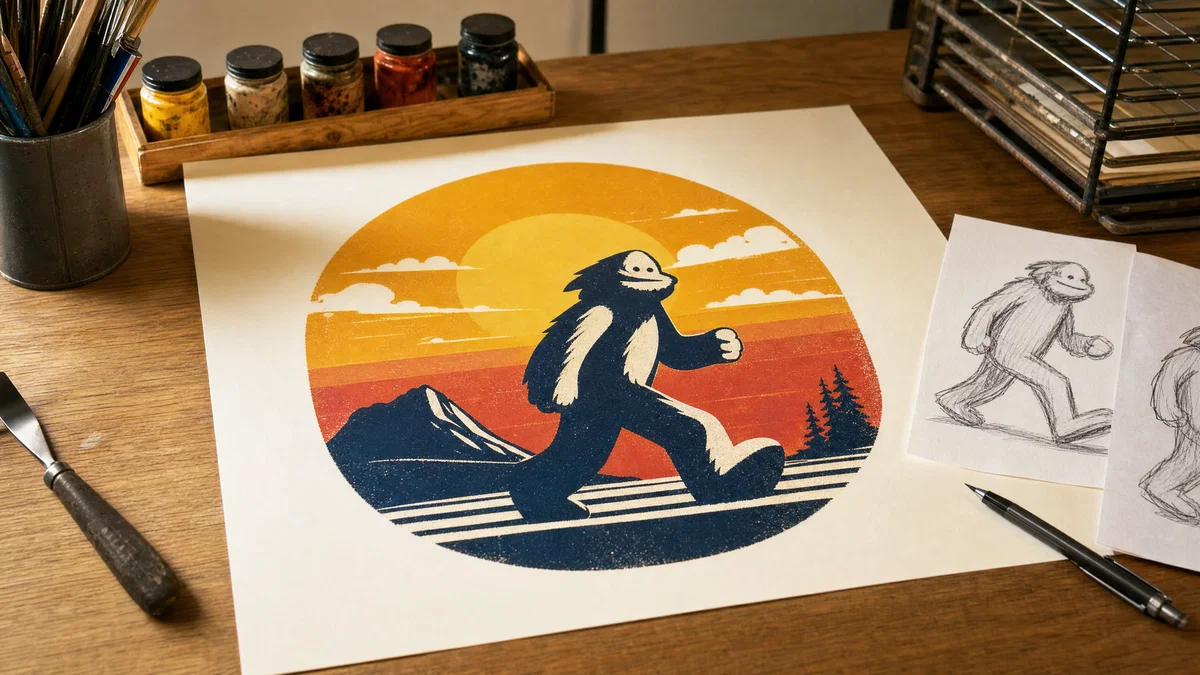
Studio desk with print-on-demand graphic sheet and retro sunset emblem, warm light.
10 ready-to-copy prompts
Generated with Postcrest · 1 prompt · 1 click
TL;DR
Key Takeaways
  • 01
    Write prompts like a print brief Lead with lens, light, and medium, then specify style, palette, and background so image models lock onto print-ready structure.
  • 02
    Force clean edges and isolation Ask for centered composition, transparent or solid background, limited colors, and crisp vector or screenprint lines to avoid muddy, unprintable detail.
  • 03
    Design without words, add type later Reserve banners and negative space for quotes, then add your final text in an editor to avoid garbled lettering from generators.

AI t-shirt design prompts that print clean

AI t-shirt design prompts are short, production-style briefs that tell modern image models exactly what to generate for a wearable graphic, including composition, palette, background, and print finish. Because image generators learned from huge libraries of captioned visuals where captions name real details like shot type, 35mm or 85mm look, softbox lighting, and film stock color, prompts that mirror that vocabulary tend to produce cleaner shapes, stronger contrast, and more predictable style for POD graphics.

Below are 10 ready-to-paste print on demand prompts, each tuned for bold silhouettes, limited-color screenprint looks, and isolated subjects on transparent or solid backgrounds. Expect retro sunset badges, kawaii mascots, minimalist line art, distressed grunge emblems, and streetwear-style prints you can adapt for Etsy t-shirt designs, Printful listings, and Amazon Merch uploads. Copy a prompt, swap the niche, then render and refine inside Postcrest.

Try it in Postcrest

Generate print-ready merch graphics fast

Render multiple design directions in seconds, then export high-resolution PNGs with clean edges and transparent backgrounds for POD listings.

No watermarksCommercial licenseCancel anytime
Image Generator
Postcrest
Prompt
Ultra-wide alpine peaks at golden hour, 16mm, f/11, Velvia 50
Generate
4K3:2
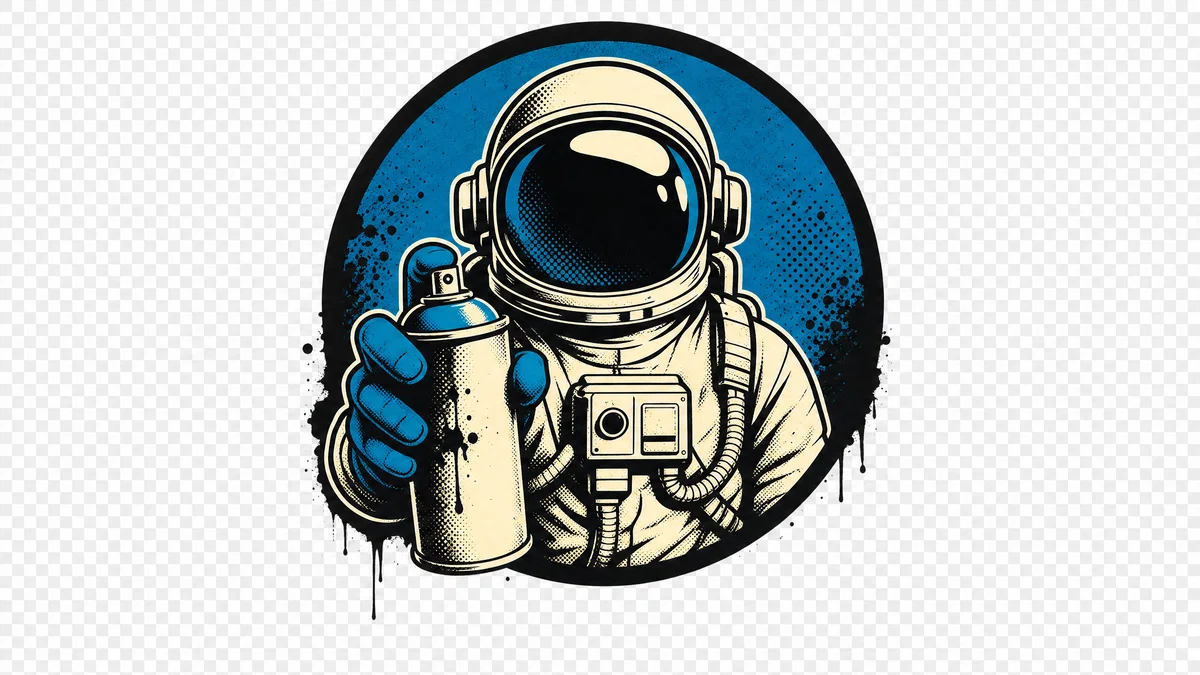
Centered astronaut street-art emblem on transparent background, screenprint texture and bold outlines.
Generated · 4K
10 prompts

The prompt library

Every prompt below has been generated, graded and verified inside Postcrest. Copy the text, hit Generate, and the same look ships from your account.

Prompt 01 of 10

Retro sunset badge

Kodak Gold · vintage POD
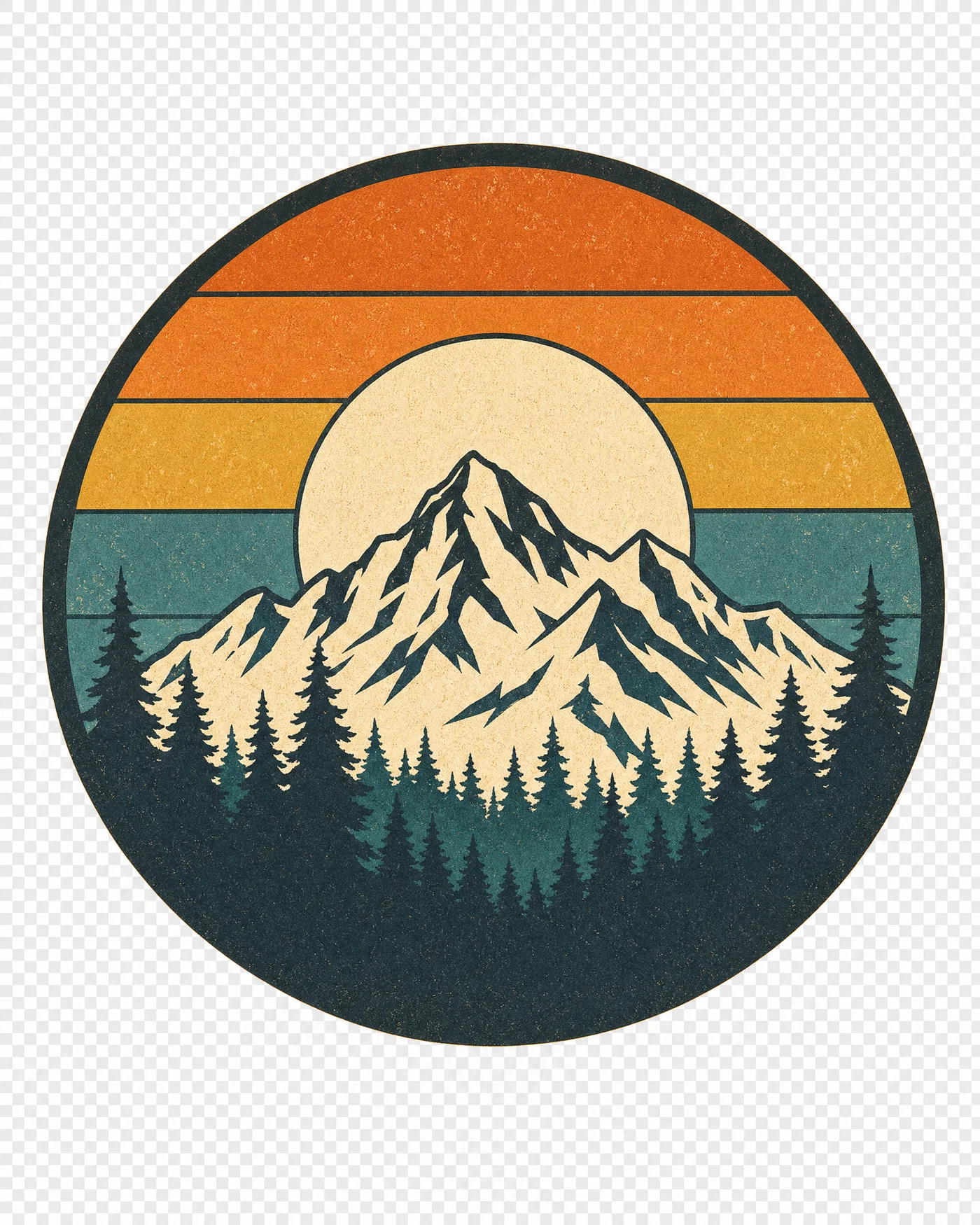
Retro sunset circle badge with mountains and pines, limited colors, transparent background.
01·Kodak Gold · vintage POD
View photo
50mmf/85-color screenprintKodak Gold
Prompt
Front-facing graphic render, 50mm lens, f/8, circular badge with layered retro sunset stripes behind a simplified mountain ridge and pine silhouettes, thick ink outlines, 5-color screenprint palette (burnt orange, mustard, teal, cream, charcoal), subtle distressed grain, centered and isolated on transparent background, even softbox top light, print-sharp edges, finish with warm Kodak Gold grade.
Why it works

The prompt locks in a classic POD look by defining a limited palette, thick outlines, and a single badge shape, which keeps edges clean when scaled. Calling out transparent background and centered isolation reduces unwanted scenery and makes it easier to place on shirts. The warm film-grade cue pushes the sunset hues without muddying the shadows.
Prompt 02 of 10

Kawaii axolotl

Pastel · cute mascot
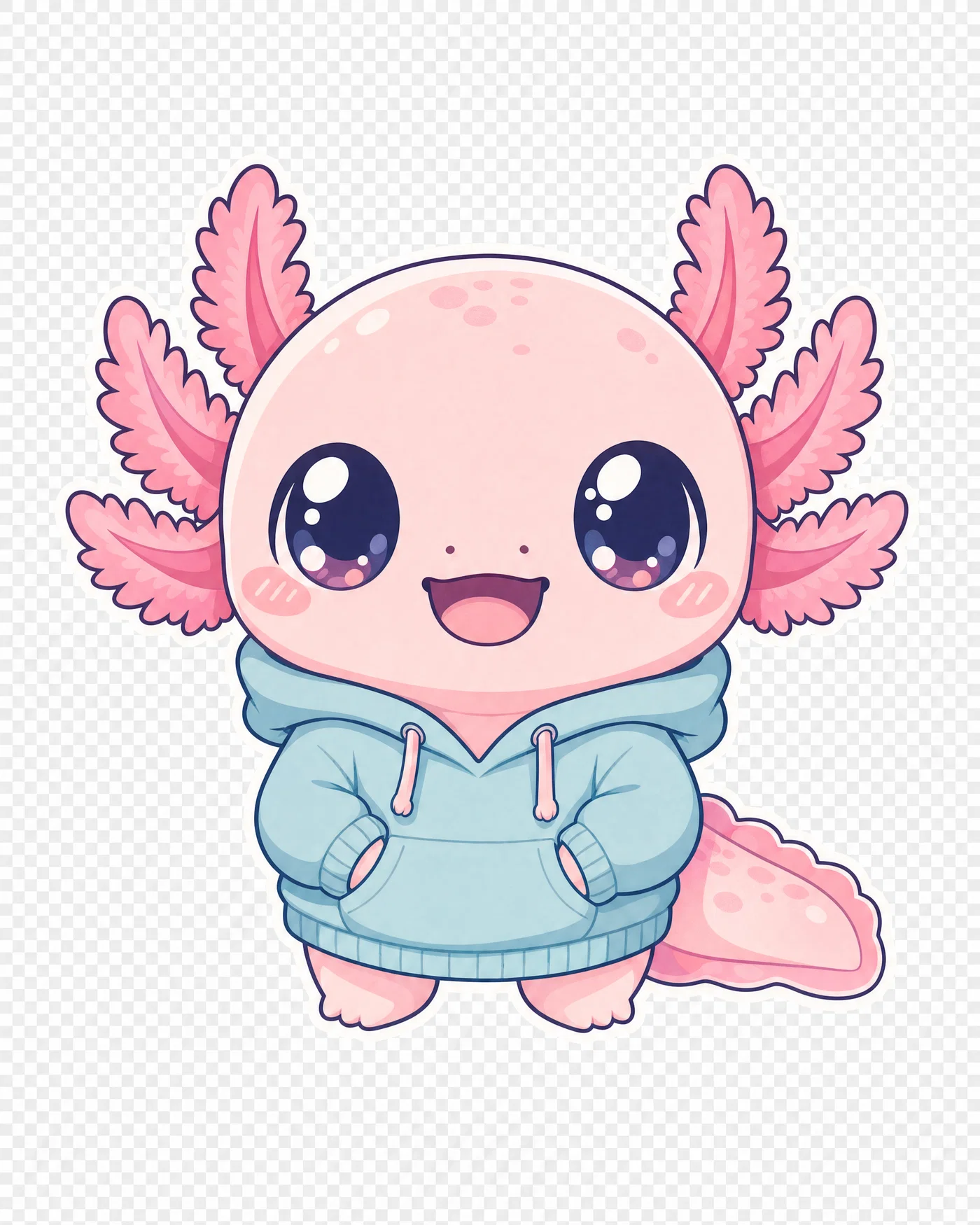
Kawaii axolotl mascot with hoodie, thick outline and pastel palette on transparent background.
02·Pastel · cute mascot
View photo
85mmf/5.6pastel 3-colorvector edges
Prompt
Front-facing mascot illustration render, 85mm lens, f/5.6, kawaii axolotl wearing a tiny hoodie, oversized sparkling eyes, simple chibi proportions, bold sticker-like outline, clean 3-color pastel palette plus white highlights, minimal shadow, centered and isolated on transparent background, flat even studio lighting, crisp vector-style edges, finish with soft matte Portra-style grade.
Why it works

Using an 85mm look and flat studio light pushes a clean, poster-like read with minimal distortion, which helps mascots feel intentional. The limited palette and thick outline prevent noisy gradients that print poorly on fabric. Transparent background plus centered composition makes it drop-in ready for listings and mockups.

Prompt 03 of 10

Streetwear tiger

Grunge · halftone ink
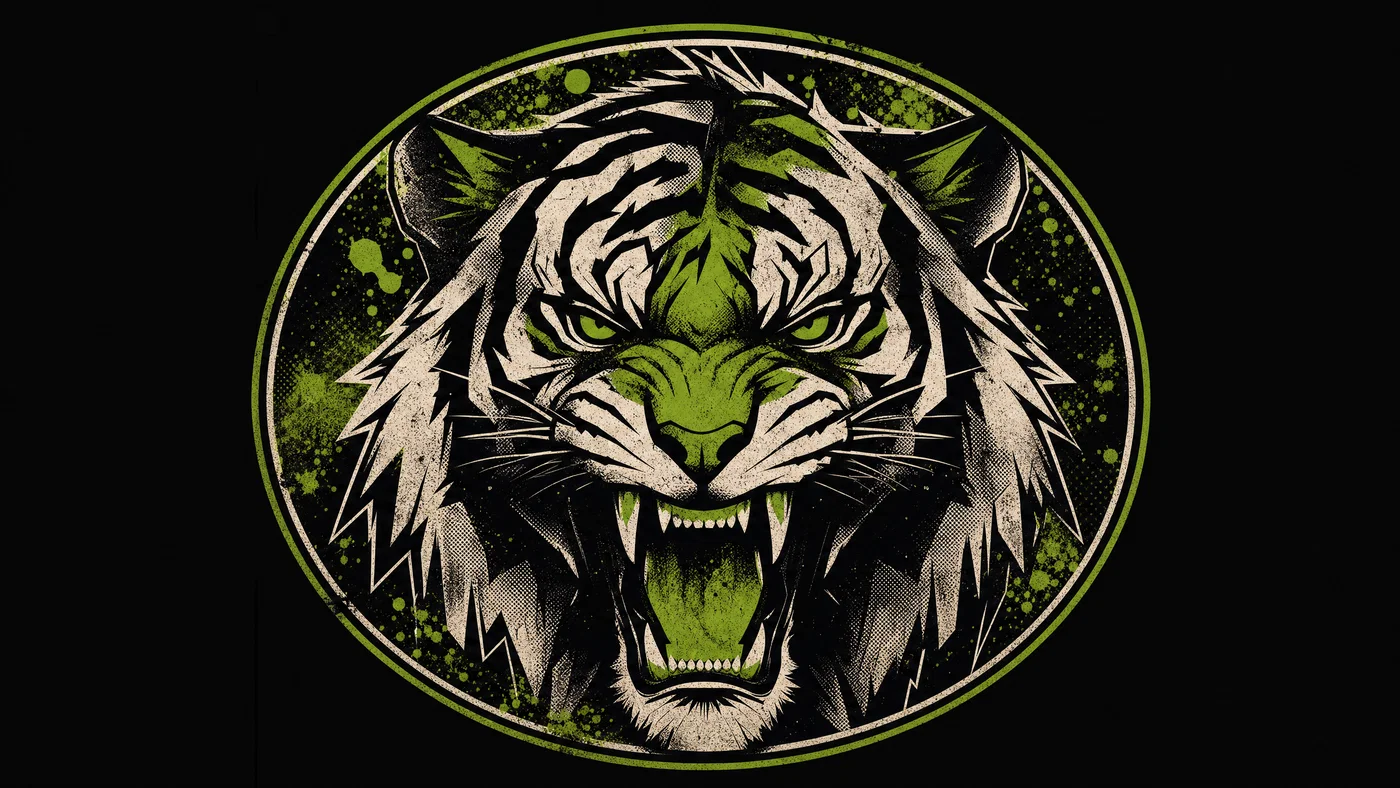
Streetwear tiger head graphic with halftone shadows and neon green accents on dark background.
03·Grunge · halftone ink
View photo
35mmf/4halftone dotssolid black background
Prompt
Front-facing graphic render, 35mm lens, f/4, aggressive tiger head mascot with sharp angular shapes, heavy black ink outline, halftone shadow dots, limited 3-color palette (black, off-white, toxic green), splatter accents kept inside a tight oval frame, centered and isolated on solid #0b0b0b background, raking side light feel, gritty screenprint texture, finish with cool cinematic grade.
Why it works

Streetwear prints read best when you commit to bold values, so the prompt forces a tight palette and a single frame shape to control chaos. Specifying a solid background color prevents unwanted gradients and makes the graphic consistent across mockups. Halftone and splatter are contained, which protects edge clarity for printing.

Prompt 04 of 10

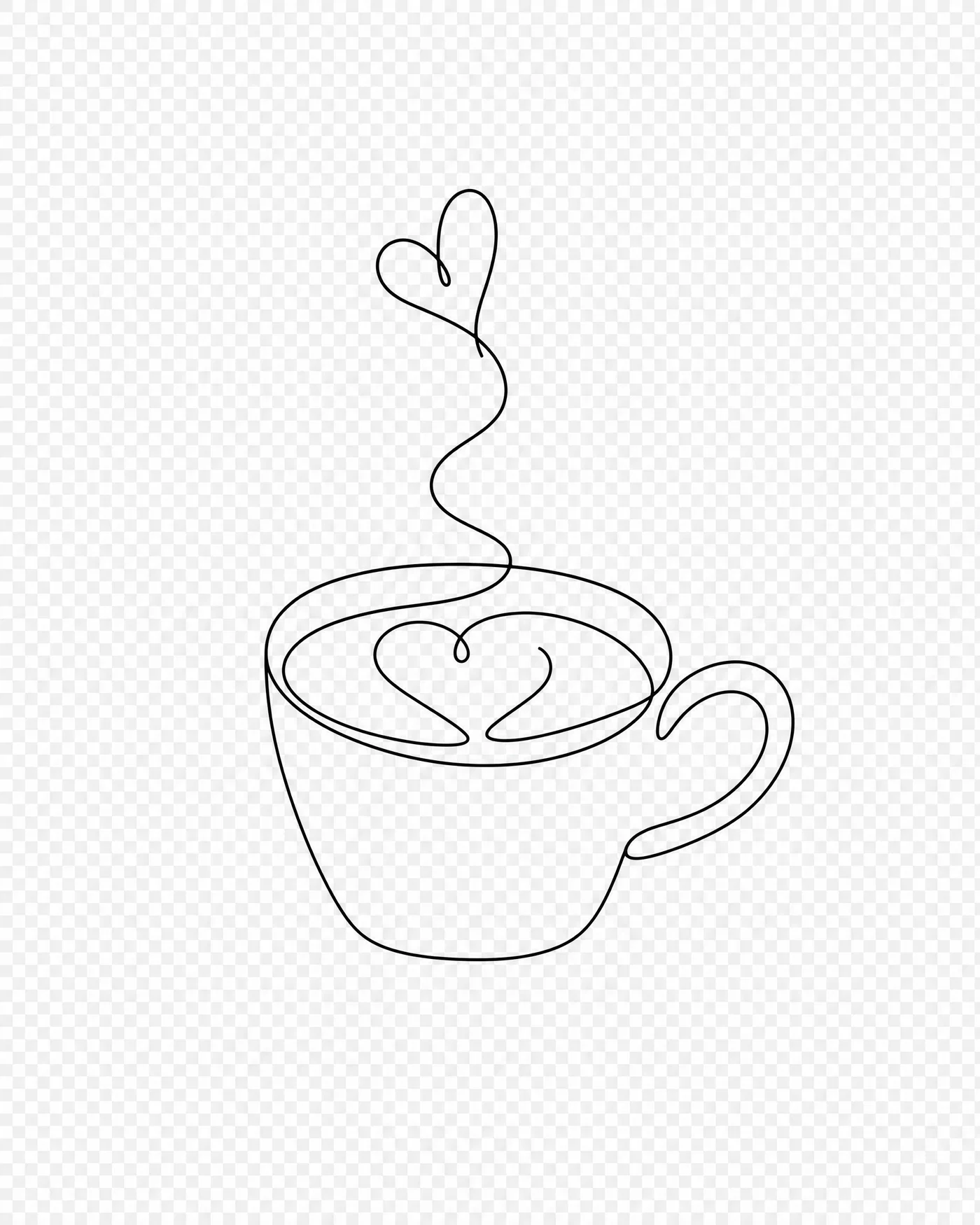
Minimal line brew

Monoline · clean merch
Minimal one-line coffee mug illustration, single black stroke, isolated on transparent background.
04·Monoline · clean merch
View photo
50mmf/11monolinetransparent PNG
Prompt
Top-down flatbed-style render, 50mm lens, f/11, minimalist monoline illustration of a steaming coffee mug with a small heart-shaped swirl, single continuous black stroke, no fills, generous negative space, centered and isolated on transparent background, even diffuse overcast lighting feel, ultra-crisp vector edges, no texture, finish with neutral clean grade.
Why it works

Monoline designs fail when the model adds shading or extra strokes, so the prompt explicitly bans fills and texture and asks for a single continuous line. Negative space plus a centered layout keeps the design readable at small sizes on pocket prints. Flat light language reduces unwanted 3D rendering that can break the line weight.

Prompt 05 of 10

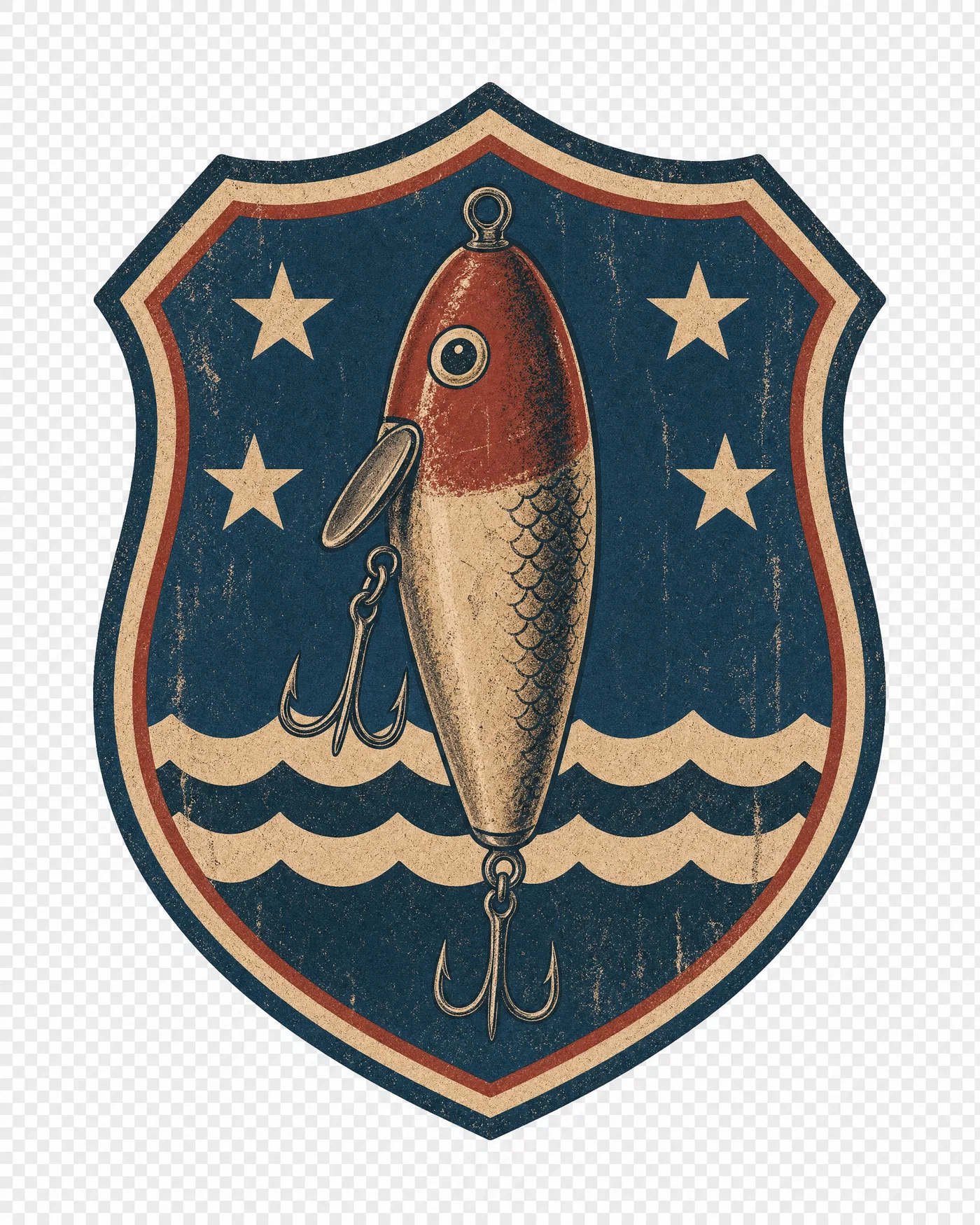
Fishing lure crest

Distressed · outdoors niche
Vintage fishing lure shield crest with muted colors and distressed texture on transparent background.
05·Distressed · outdoors niche
View photo
85mmf/8distressed texture4-color palette
Prompt
Front-facing badge illustration render, 85mm lens, f/8, vintage fishing lure centered inside a shield crest with small waves and stars as simple shapes, thick ink outlines, 4-color muted palette (navy, brick red, tan, off-white), medium distressed scuff texture, isolated on transparent background, flat studio lighting, screenprint-ready separation, finish with faded matte Cine Vision3 grade.
Why it works

Niche hobby POD graphics convert when the icon is instantly recognizable, so the prompt prioritizes a single lure silhouette and simple supporting shapes. Muted colors and a controlled distress layer mimic a worn print without destroying edges. Calling out color separation helps the model avoid painterly blends that look cheap on fabric.

Prompt 06 of 10

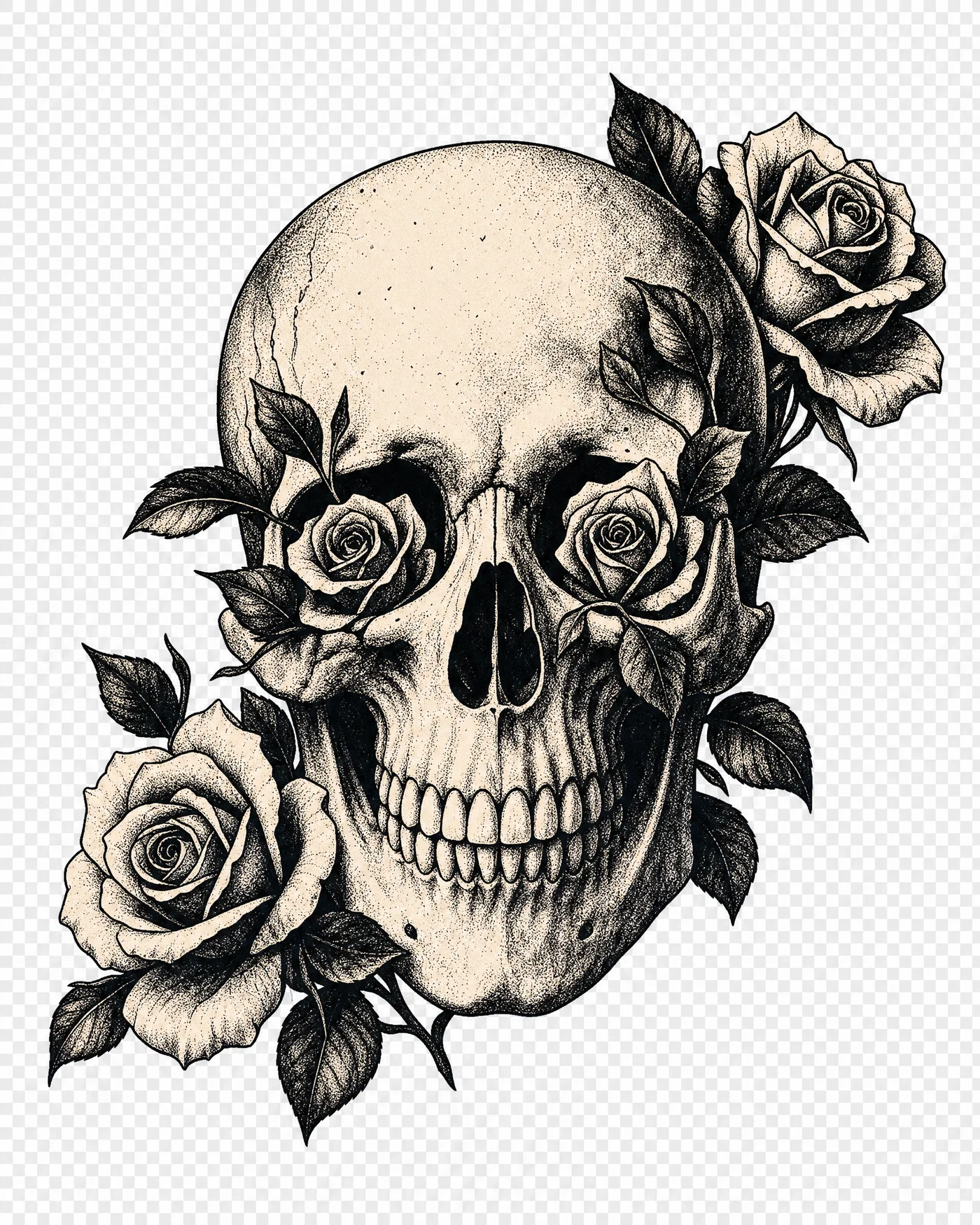
Botanical skull mark

Grunge · gothic ink
High-contrast skull with roses in two colors, bold ink linework on transparent background.
06·Grunge · gothic ink
View photo
35mmf/5.62-colornoir grade
Prompt
Front-facing graphic render, 35mm lens, f/5.6, simplified human skull with roses and leaves woven through the eye sockets, bold black ink linework, high contrast, limited 2-color palette (black and bone), subtle stipple shading kept inside shapes, centered and isolated on transparent background, hard side light feel for punch, rough screenprint texture, finish with high-contrast noir grade.
Why it works

Gothic prints work when the value structure is clear, so the prompt forces two colors and keeps stipple shading inside the silhouette. Hard side light language boosts perceived contrast without inviting full realism. Centered isolation and thick linework protect legibility on darker garments.

Prompt 07 of 10

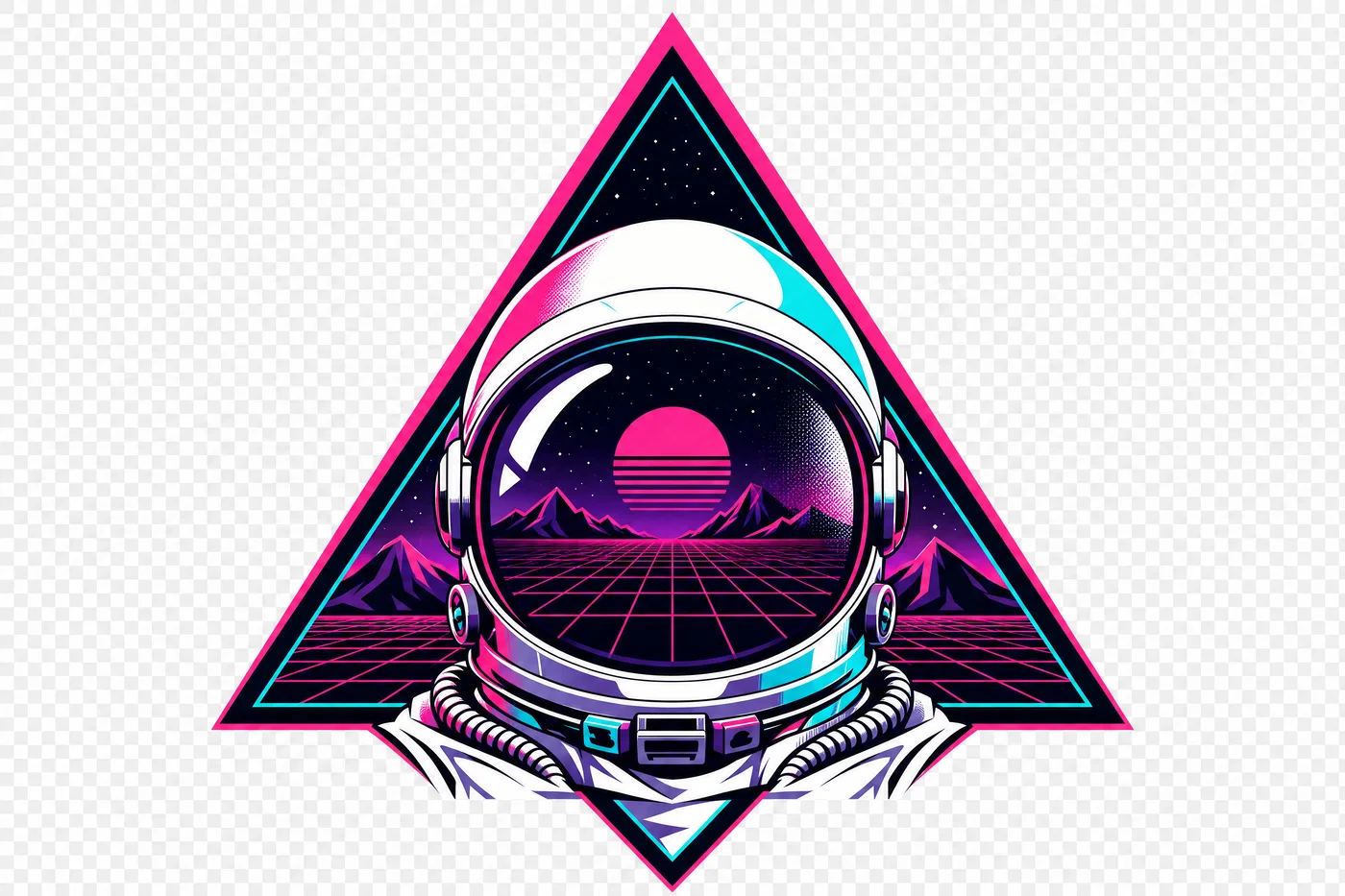
Synthwave astronaut

Velvia · neon retro
Synthwave astronaut helmet emblem with neon grid and triangle, limited colors on transparent background.
07·Velvia · neon retro
View photo
50mmf/8synthwave palettevector emblem
Prompt
Front-facing emblem render, 50mm lens, f/8, astronaut helmet with reflective visor, behind it a geometric triangle and retro grid horizon, clean vector shapes, 5-color synthwave palette (magenta, cyan, purple, black, white), sharp edges, minimal gradients, centered and isolated on transparent background, even studio lighting feel, slight halftone highlight, finish with punchy Velvia-style grade.
Why it works

The emblem structure gives the model a hierarchy: helmet first, then simple geometry, then grid, which prevents clutter. The prompt restricts gradients to keep the file looking print-ready instead of airbrushed. A punchy color grade paired with a limited palette preserves neon impact without introducing banding.

Prompt 08 of 10

Pickleball duo

Cute · sporty sticker
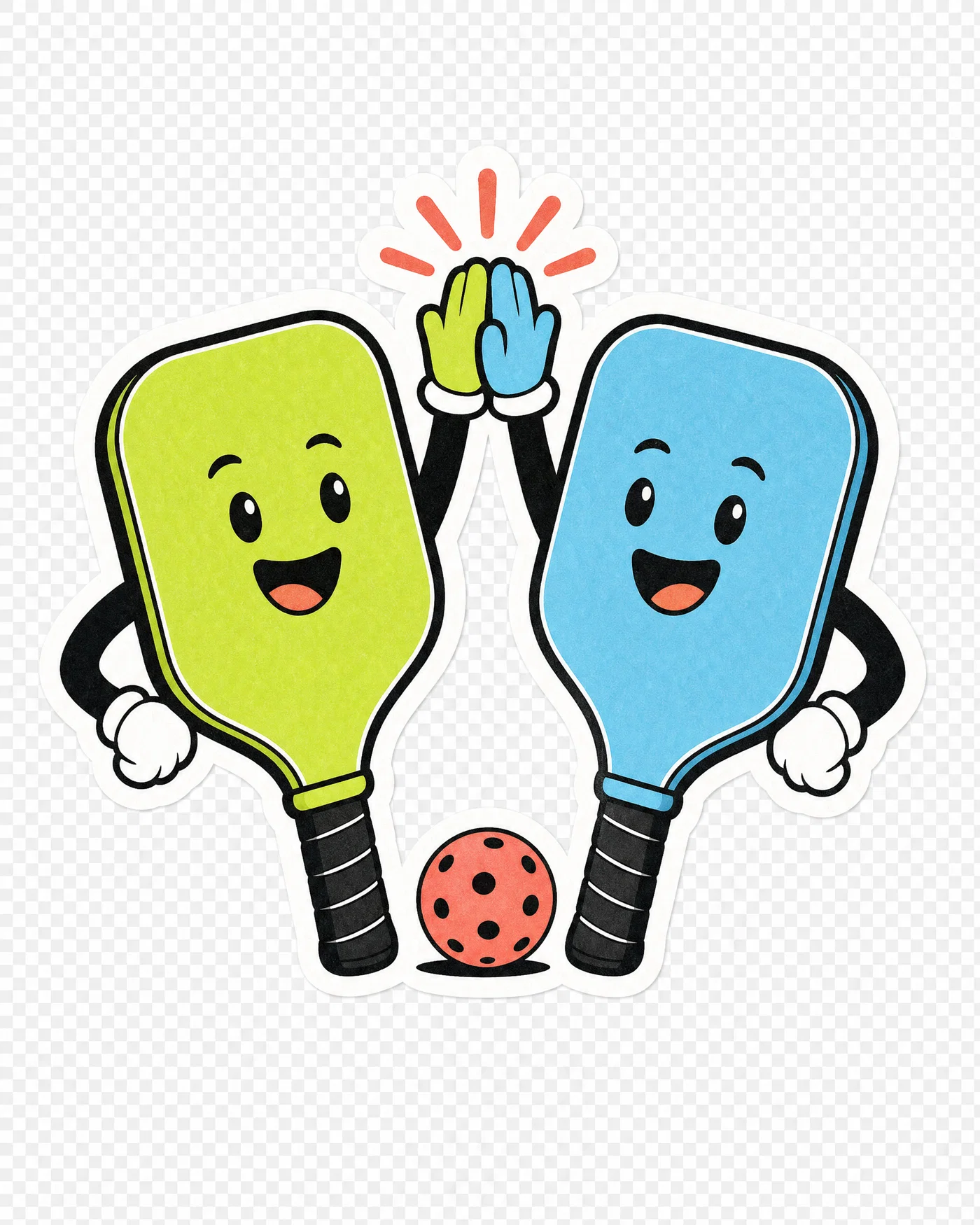
Cute pickleball paddles high-fiving as characters, bold outline, bright colors on transparent background.
08·Cute · sporty sticker
View photo
85mmf/5.6sticker style4-color palette
Prompt
Front-facing sticker-style illustration render, 85mm lens, f/5.6, two pickleball paddles as friendly characters high-fiving, simple faces, bold outline, clean 4-color palette (lime, sky blue, coral, black), minimal shading, centered and isolated on transparent background, flat softbox lighting, crisp vector edges, slight paper grain, finish with bright clean grade.
Why it works

Turning equipment into characters is a proven merch design AI pattern because it signals the niche instantly without needing text. The prompt uses sticker constraints, bold outline and minimal shading, to keep the design readable on any shirt color. A small grain note adds warmth while the vector edge call keeps it print sharp.

Prompt 09 of 10

Vintage skate icon

Grainy · retro sport
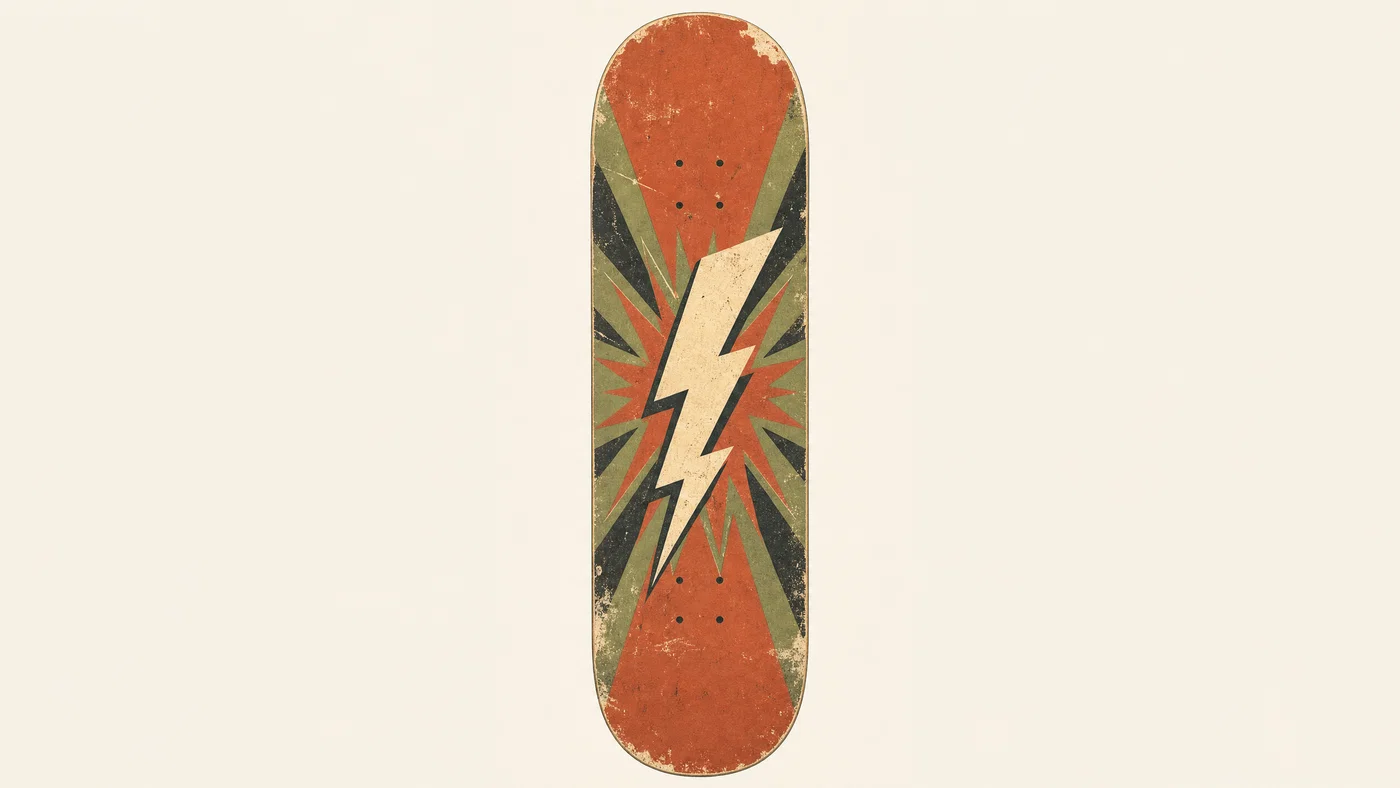
Retro skateboard silhouette with lightning bolt and distressed 70s color blocks on cream background.
09·Grainy · retro sport
View photo
35mmf/8distressed retrosolid cream background
Prompt
Front-facing graphic render, 35mm lens, f/8, vintage skateboard deck silhouette with a simple lightning bolt and starburst behind it, retro 70s color blocks, 4-color palette (rust, avocado, cream, black), medium distressed wear marks, centered and isolated on solid #f3efe6 background, flat studio light, screenprint texture, finish with warm faded film grade.
Why it works

A solid background color can be a better POD choice than transparency when you want a consistent vintage paper look across listings. The silhouette-first approach keeps the deck readable even when distressed wear is added. Limiting the palette to four colors preserves that classic retro block-print feel that sells well on Etsy t-shirt designs.

Prompt 10 of 10

Quote-ready ribbon

Typographic · blank banner
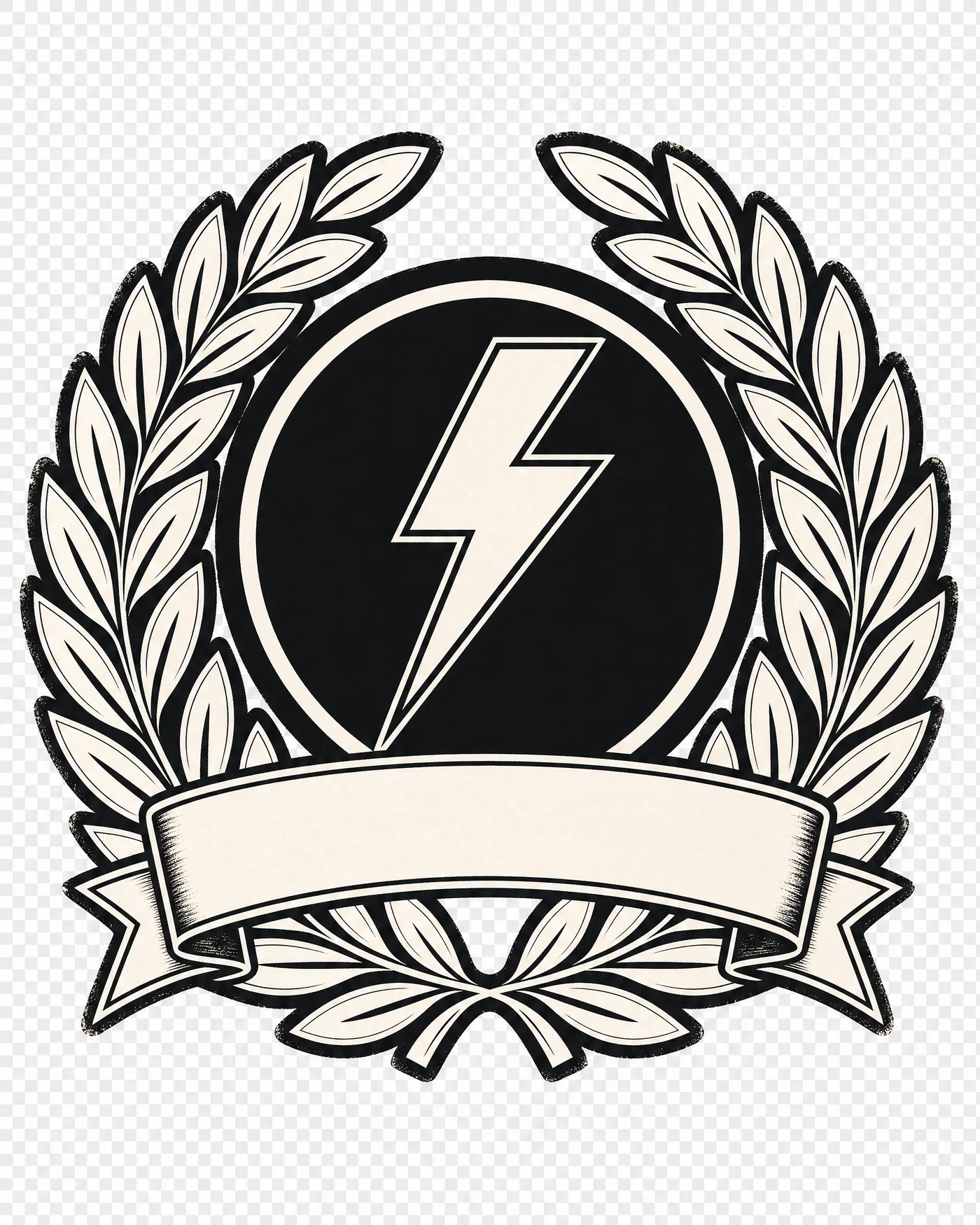
Two-color badge with laurel wreath and blank ribbon banner, isolated on transparent background.
10·Typographic · blank banner
View photo
50mmf/8blank ribbon2-color badge
Prompt
Front-facing badge layout render, 50mm lens, f/8, bold laurel wreath around a simple lightning icon, with a wide blank ribbon banner reserved for custom lettering, thick ink outlines, high contrast, 2-color palette (black and off-white), centered and isolated on transparent background, even softbox lighting feel, clean vector edges, subtle distress at edges only, finish with neutral crisp grade.
Why it works

Most generators struggle with clean typography, so the banner is intentionally blank to keep the output usable. A two-color badge with thick outlines stays sharp when resized for different garment placements. Edge-only distress adds character without ruining the flat areas where you will later add your own quote.

From prompt to sellable POD graphic

Great AI t-shirt design prompts read like a print shop brief: define the core silhouette, lock the palette, choose transparent or solid background, then finish with a clear print texture and color grade. When the prompt spells out those constraints, you get POD graphics that hold up on a listing thumbnail and still look clean when printed.

Reuse the prompts above as templates. Swap the niche icon (camping, fishing, pickleball), change the palette from muted vintage to neon synthwave, or dial distress from none to heavy. If you need a quote design, keep the image text-free and reserve a banner, then add final lettering during editing.

When you are ready to produce a consistent set for Etsy, Printful, or Amazon Merch, paste any prompt into Postcrest, generate variations, then export with a commercial license and no watermarks. Open Postcrest and look for the first-month intro discount on the checkout flow.

Bonus · Image to video

Turn merch graphics into motion

Any still you generate from these prompts can become a short clip using Postcrest video workflows, while preserving the original lens feel, lighting, and grade.

Generated from prompt aboveImage to video in Postcrest
Animated from: Kawaii axolotl
Pastel · cute mascot
Video prompt
Slow, gentle push-in on the centered mascot; add tiny secondary motion like a soft blink and a subtle bob of the frills, keeping outlines sharp. Preserve the flat studio lighting, 85mm feel, and matte pastel grade, one continuous shot, no cuts, no text, no watermarks, no logos, no overlays, no captions
Why it works as motion

A minimal push-in reads like a product spotlight and does not introduce parallax that could warp the outline. Small character motion sells personality while keeping the print-ready silhouette intact, which is key for sticker and t-shirt mascot designs.

50% off first month

Generate every prompt above in Postcrest

Copy-paste any prompt, or hit generate and get a 4K render in seconds. 50% off your first month — join 38,000+ creators.

Claim 50% off
Cheat sheet

AI t-shirt design prompt cheat-sheet

Reference these dimensions in any prompt for repeatable results across shoots and projects.

Use caseStyle anchorBackground specPalette rulePrint-ready note
Retro outdoors badgeRetro sunset stripes + silhouetteTransparent background5 colors maxThick outlines, add light distress
Cute mascot dropKawaii sticker characterTransparent background3-4 pastels + whiteBold outline, minimal shading
Streetwear capsuleMascot + halftone + splatterSolid #0b0b0b3 colors maxContain texture inside frame
Minimal pocket printSingle-stroke monolineTransparent background1 colorNo fills, no texture, wide negative space
Quote design baseBadge + blank ribbon bannerTransparent background2 colorsLeave banner empty, add type later
Vintage sport tee70s color blocks + distressSolid cream paper tone4 colors maxUse silhouette-first composition
Pro tips

Five rules that separate amateur prompts from director-grade ones

  1. 01
    Start with a single dominant silhouette
    Pick one icon that reads at a glance, then support it with simple shapes. Silhouette-first prompts reduce clutter and improve print legibility on shirts and stickers.
  2. 02
    Specify the background every time
    Say "transparent background" for cutout PNGs, or name a single solid hex color for consistent vintage paper looks. If you do not specify, models often invent scenery and gradients.
  3. 03
    Limit the palette to control printing
    Call out an exact color count and list the colors. Fewer colors usually means cleaner edges, stronger contrast, and fewer muddy blends in POD graphics.
  4. 04
    Ask for vector or screenprint edges
    Use phrases like "crisp vector-style edges," "thick ink outline," and "screenprint texture." This steers the generator away from painterly detail that becomes noisy on fabric.
  5. 05
    Keep images text-free, add lettering later
    Generators often mangle letters, especially in distressed styles. Reserve a banner or negative space in the prompt, then add your final quote during editing for a sharper result.
Why Postcrest

Built for prompt-driven content at scale

Every prompt below renders natively in Postcrest. No queue, no Discord, no LoRA training.

Prompt-to-print workflow
Generate POD-ready concepts fast, then refine and export without hopping between tools.
Create consistent collections
Build a cohesive set of Etsy t-shirt designs by reusing templates and iterating palettes, textures, and mascots.
High-resolution outputs
Upscale for crisp edges and clean detail, ideal for print-on-demand products and listing images.
Stills to video promos
Turn a finished graphic into motion for ads and socials while keeping the same style and color grade.
Commercial license included
Every generated asset comes with a full commercial license, no watermarks, and no attribution required.
Trusted by creators
Join 38,000+ creators with a 4.8/5 rating who use Postcrest to produce and publish content faster.
FAQ

Questions, answered

Everything you'd ask before pasting these prompts into your workflow.

Print-ready prompts force constraints: a single centered subject, a limited palette, and crisp edges described as vector or screenprint. They also specify transparent or solid backgrounds so the generator does not invent scenery. Finish with a defined texture and grade to keep the look consistent across a collection.

Martin Balk
Written by
Martin Balk
Founder, Postcrest

Martin builds AI tools that help creators, agencies and brands ship professional content without a studio. He has tested every frontier image and video model since 2022.

50% off first month

Create your next best-selling design

Copy a prompt, generate variations, and export print-ready PNGs for Etsy, Printful, and Amazon Merch in one workflow.

4.8 / 5 · Trusted by 38,000+ creators
Commercial license included
No watermarks
Image-to-video promos
First-month intro discount
Start now