The library of tested AI photo prompts.
Hundreds of AI photo prompts you can copy and paste, organised by style and use case. Browse AI image prompt examples for every style and use case: every prompt was generated, graded and verified inside Postcrest before it landed on this page.
A working shot brief, written for a model that learned from real photographs.
A good AI image prompt reads like a real production brief, not a wish list. The underlying image models were trained on huge libraries of captioned photographs where the captions name the actual production details: shot type, lens, focal length, aperture, time of day, light direction, film stock, color grade. When your prompt mirrors that vocabulary, the model unlocks the latent patterns those captions sit on — sharp focal compression, real bokeh, believable highlight roll-off — instead of guessing from generic adjectives like "beautiful" or "stunning". An AI photo prompt and an AI image prompt are the same thing: the "photo" vocabulary simply steers the model toward photorealism rather than illustration.
Every guide on this page follows the same structure: lens, light, medium, grade. Pick the one that matches what you're shooting, copy any prompt, and paste it into Postcrest. Swap the location, the wardrobe or the time of day to make it your own — the lens/light/grade scaffolding stays.
Every prompt guide, in one place.
Each guide is a curated set of copy-paste prompts for one specific subject, with the lens, lighting and grade that produced its example image.
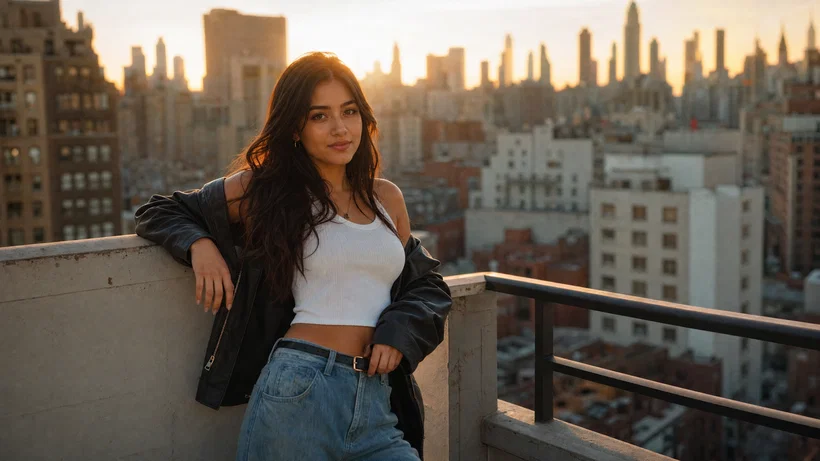 Photography10 prompts
Best AI Prompts for Beautiful Girls (Realistic Photo Looks)
AI prompts for beautiful girls with realistic skin, eyes, and hair. Copy 10 photo-ready prompts with lens and lighting notes, t...
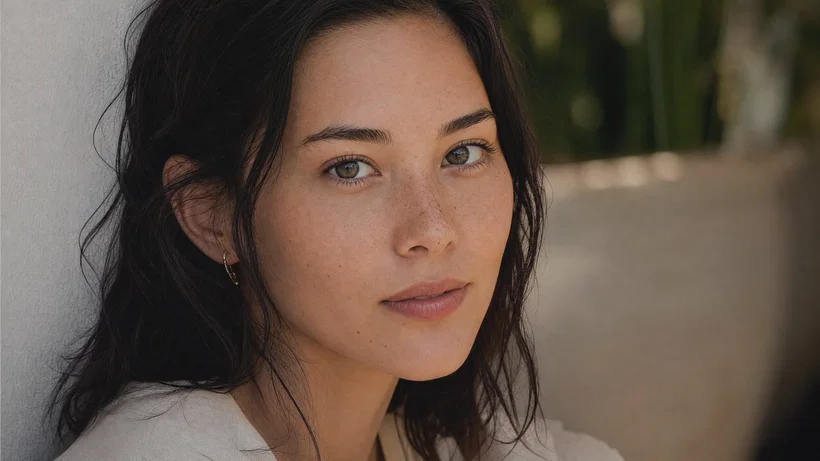 Photography10 prompts
Best AI Prompts for Realistic Portrait Photos
AI prompts for realistic portrait photos with exact lens, light, and color grade. Copy, paste, and generate consistent portrait...
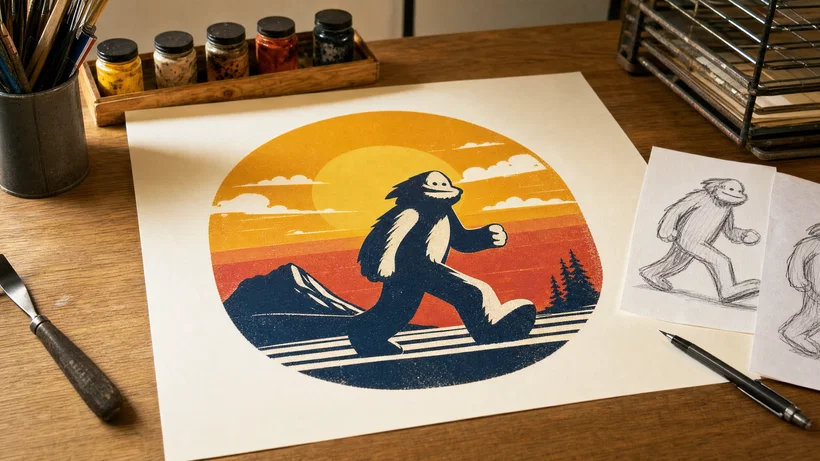 Photography10 prompts
Best AI t-shirt design prompts for merch design
AI t-shirt design prompts for print on demand: copy 10 paste-ready briefs for bold, print-ready POD graphics on transparent bac...
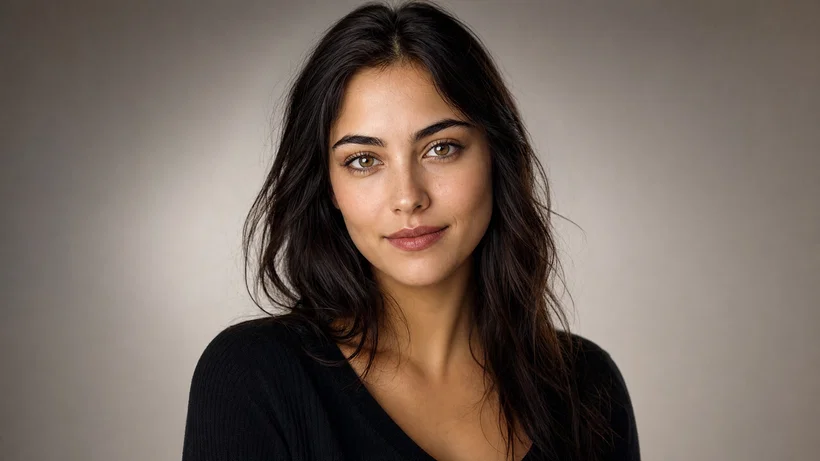 Photography10 prompts
Best AI Profile Picture Prompts for Avatars
Create a clean AI profile picture using 10 proven PFP prompts for realistic headshots, anime avatars, and 3D portraits. Paste i...
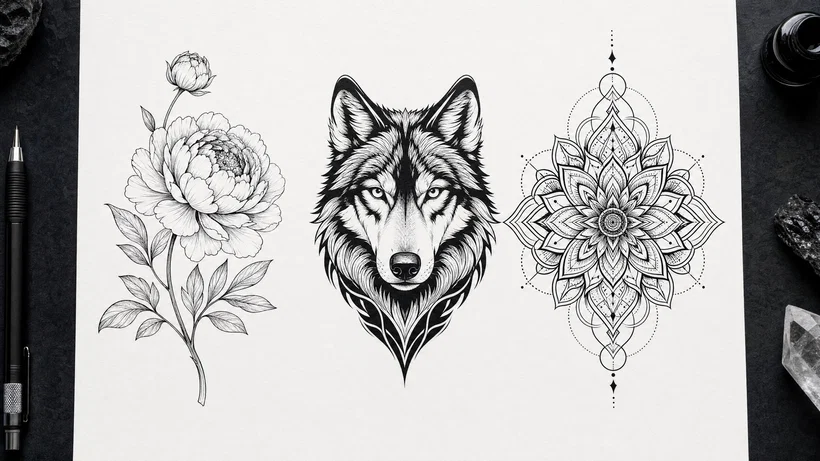 Photography10 prompts
AI prompts for tattoo designs that stencil clean
AI prompts for tattoo designs that deliver clean linework, stencil-ready shading, and placement framing. Copy a prompt, generat...
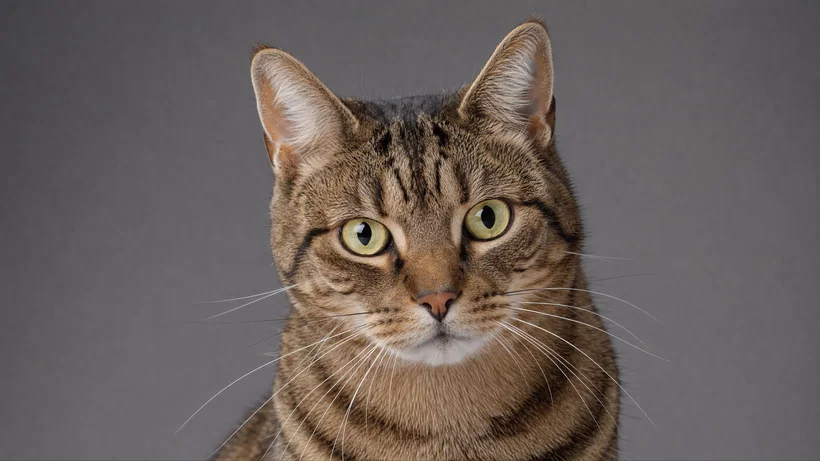 Photography10 prompts
Best AI Prompts for Pet Portraits
AI pet portrait prompts you can paste for sharp fur, bright catchlights, and print-ready results. Copy a prompt into Postcrest ...
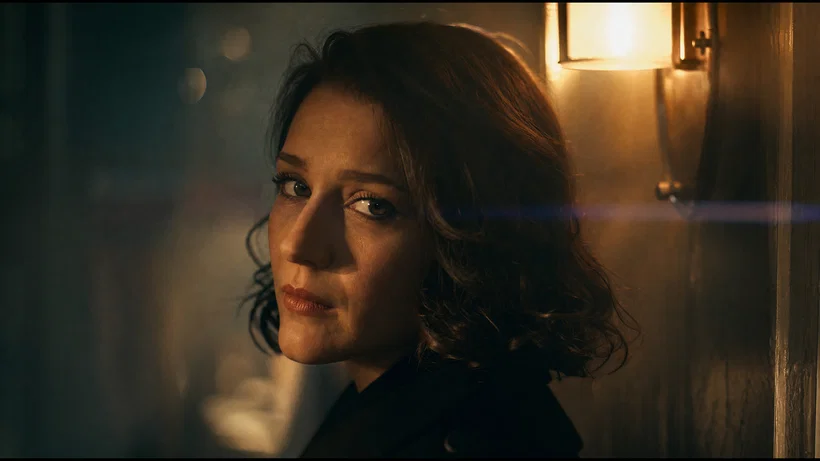 Photography10 prompts
Best AI Prompts for Cinematic Portrait Photography
Cinematic AI portrait prompts that read like film stills: lenses, lighting, film stocks, and grades for consistent results. Cop...
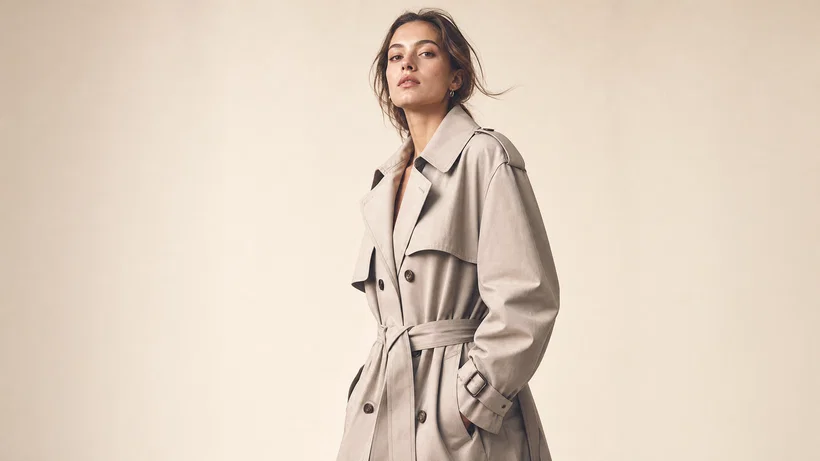 Photography10 prompts
Best AI Prompts for Fashion and Lookbook Photography
AI prompts for fashion photography: 10 ready-to-paste lookbook, editorial, street style, and flat-lay briefs with lens, lightin...
 Photography10 prompts
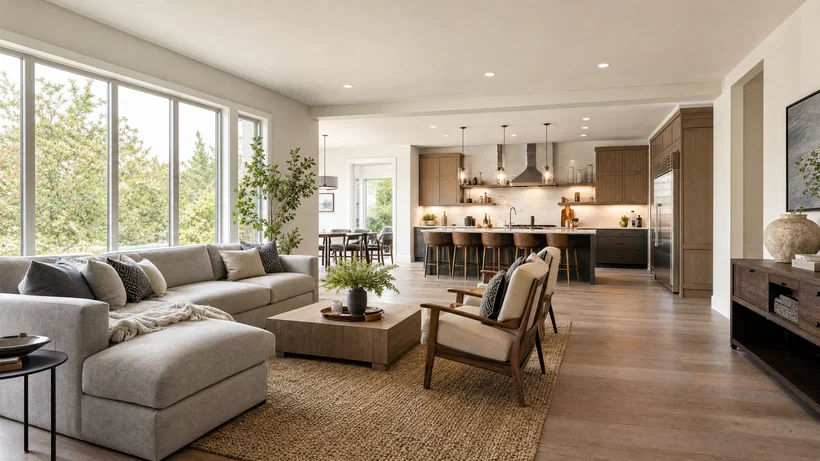
Best AI Prompts for Interior Design and Real Estate
AI prompts for interior design that read like real estate photos. Copy 10 wide-angle, HDR-safe prompt templates for staging and...
 Photography10 prompts
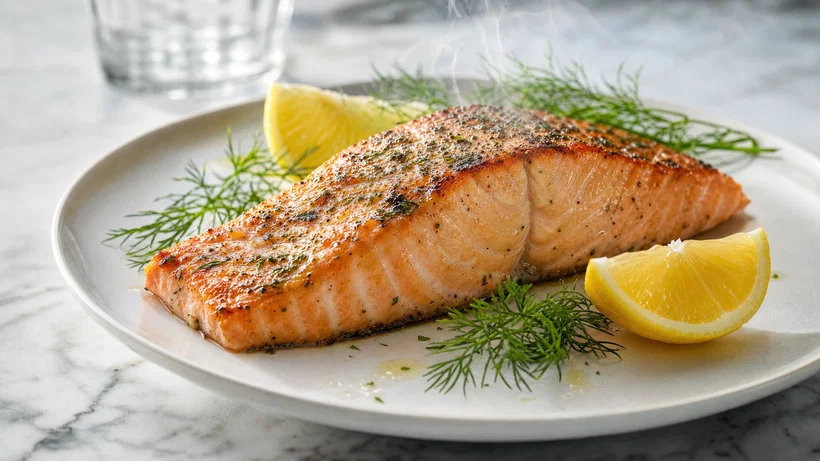
AI food photography prompts for realistic food photos
AI food photography prompts that look real: 10 ready-to-paste briefs with lens and light for menu photos, delivery apps, and fo...
 Photography10 prompts
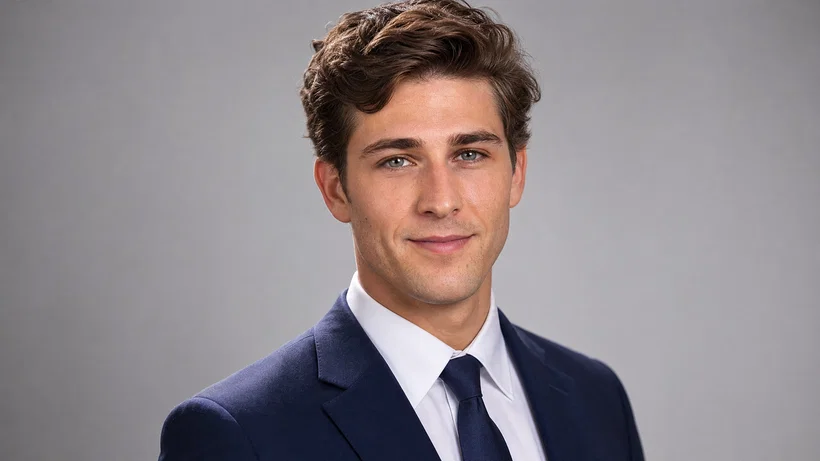
Best AI Prompts for LinkedIn Headshots
Use AI prompts for LinkedIn headshots to generate realistic corporate portraits with pro lens and lighting details. Copy, paste...
 Photography10 prompts
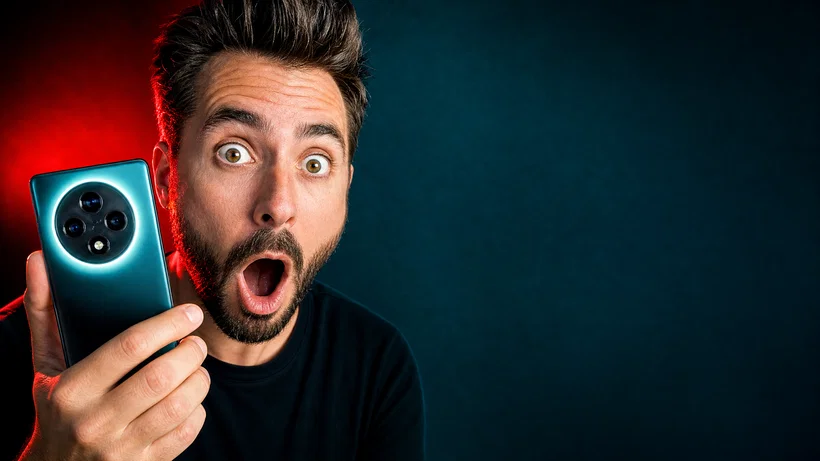
Best AI YouTube Thumbnail Prompts for High-CTR Clicks
AI YouTube thumbnail prompts for bold, high-CTR images with clean text space. Copy, paste, and generate multiple 16:9 options f...
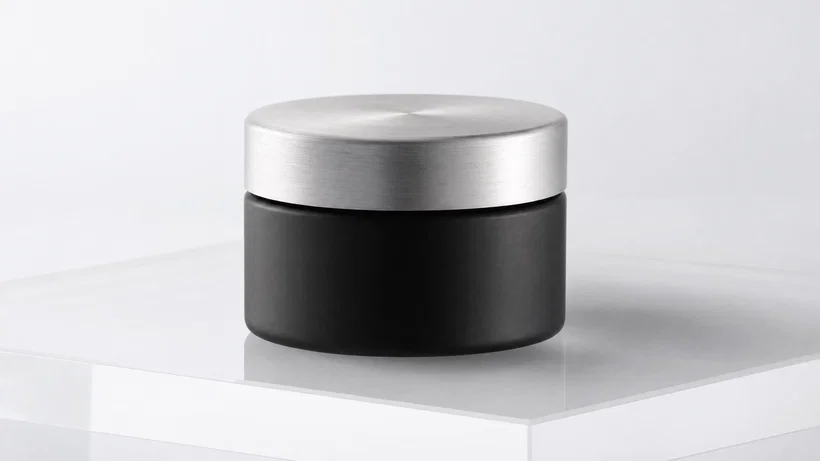 Photography10 prompts
Best AI Prompts for Product Photography
Copy 10 AI product photography prompts for clean packshots, lifestyle scenes, flat-lays, and splashes. Generate ecommerce-ready...
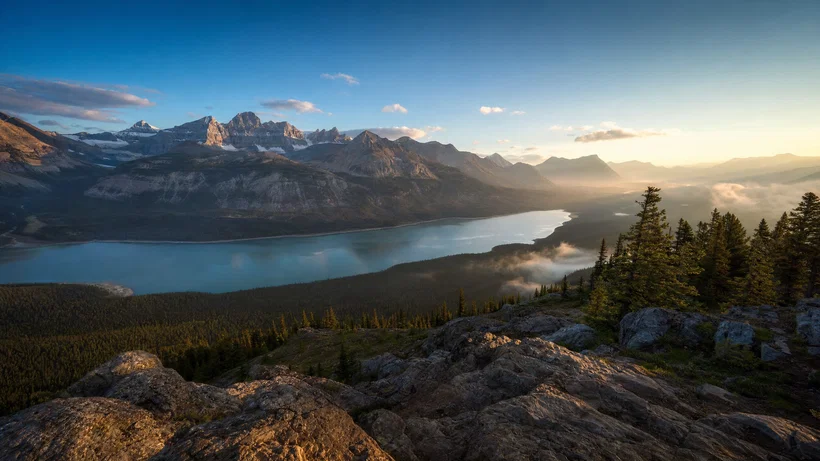 Photography10 prompts
Best AI prompts for realistic landscape photography
AI prompts for realistic landscapes with lens, light, and film-grade cues. Copy, paste, generate photoreal scenes in Postcrest,...
Six rules behind every prompt on this page.
Apply these in order and you can write your own prompt for any subject you can imagine — without ever opening this library again.
- 01Lead with the camera, not the sceneOpen every prompt with shot type → lens / focal length → aperture. The first 15 words are the strongest directives, and naming a 16mm at f/11 anchors the geometry before the subject ever shows up.
- 02Direct the light, don't describe itSpecify direction and quality — raking side light, flat overcast, backlit golden hour — instead of vague adjectives. Light is what separates a snapshot from a photograph.
- 03Anchor a time of dayNaming the hour — golden hour, blue hour, polar twilight, late afternoon — loads the entire color palette the model already learned from real photographs at that moment.
- 04Name a mediumA film stock or sensor (Velvia 50, Portra 400, Cine Vision3, full-frame mirrorless) does more work than ten color adjectives. The model knows what they look like.
- 05End with the gradeClose the prompt with a color palette — cool blue grade with warm highlight, teal-and-orange, amber desert tones. This locks the final pass instead of leaving it to model defaults.
- 06Pick one emotion, one subject, one momentA clip that tries to be "joyful but melancholy and triumphant" renders mush. Direct the model the way you'd brief a real photographer: one thing at a time, said clearly.
The shorthand that fits in every prompt.
Reference these five dimensions and you can build a working prompt for any scene type in under a minute.
| Scene type | Lens | Time | Light | Grade |
|---|---|---|---|---|
| Landscape (epic) | 16mm, f/11 | Golden hour | Raking side light | Velvia 50 (punchy) |
| Landscape (moody) | 24mm, f/8 | Blue hour | Long exposure, mist | Cool, desaturated |
| Portrait (editorial) | 85mm, f/2.0 | Soft window | Single key, falloff | Portra 400 warm |
| Portrait (headshot) | 50mm, f/2.8 | Overcast noon | Flat softbox | Clean neutral |
| Product (e-commerce) | 100mm macro | Studio strobe | Frontal + fill | Crisp neutral |
| Lifestyle / UGC | 35mm, f/2.0 | Late afternoon | Window backlight | Warm Kodak Gold |
| Cinematic / film | 35mm anamorphic | Night, neon | Hard key, deep shadow | Teal & orange |
What separates an amateur prompt from a director-grade one.
Questions, answered
Stop prompt-engineering. Start shipping.
Every prompt in this library runs in Postcrest in one click. Full commercial license, no watermarks.